
Another day, another PC build feature—and this time, we’ve got something from Intel. What I have here is a relatively budget-friendly PC build, featuring the Intel Core Ultra 5 250K+, priced at around 16–17k SRP. It’s a competitive response to AMD’s lower-priced processors.
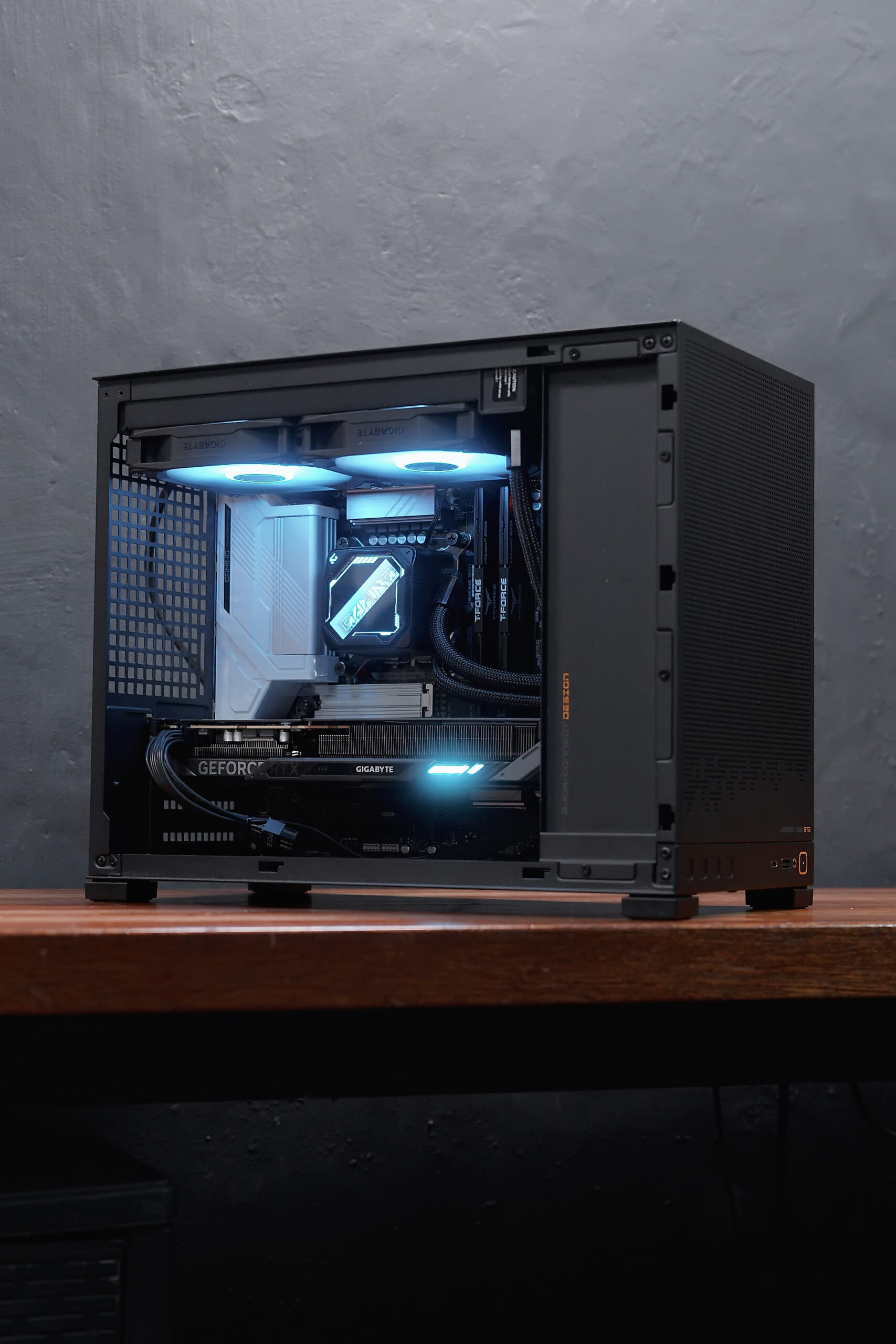
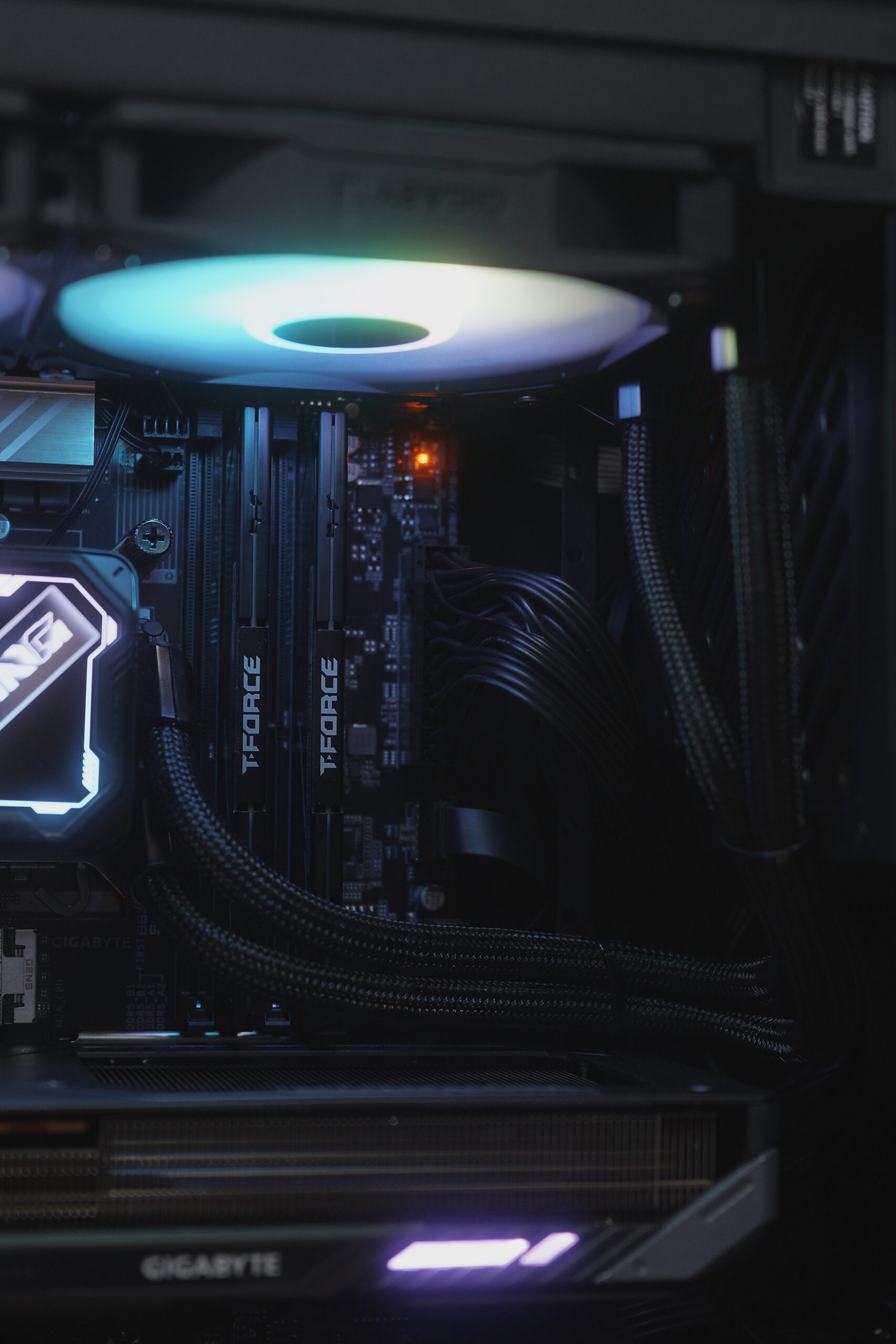
We paired it with the Gigabyte B860M Gaming X WiFi6E motherboard, 16GB of 6000MHz Delta T-Force RAM, a 512GB NVMe SSD, and a Gigabyte GeForce RTX 5060 graphics card. For cooling, we used the Gigabyte Gaming 240 AIO cooler. Power comes from the Gigabyte P550SS PSU, all housed in a compact Jonsbo D32 case.
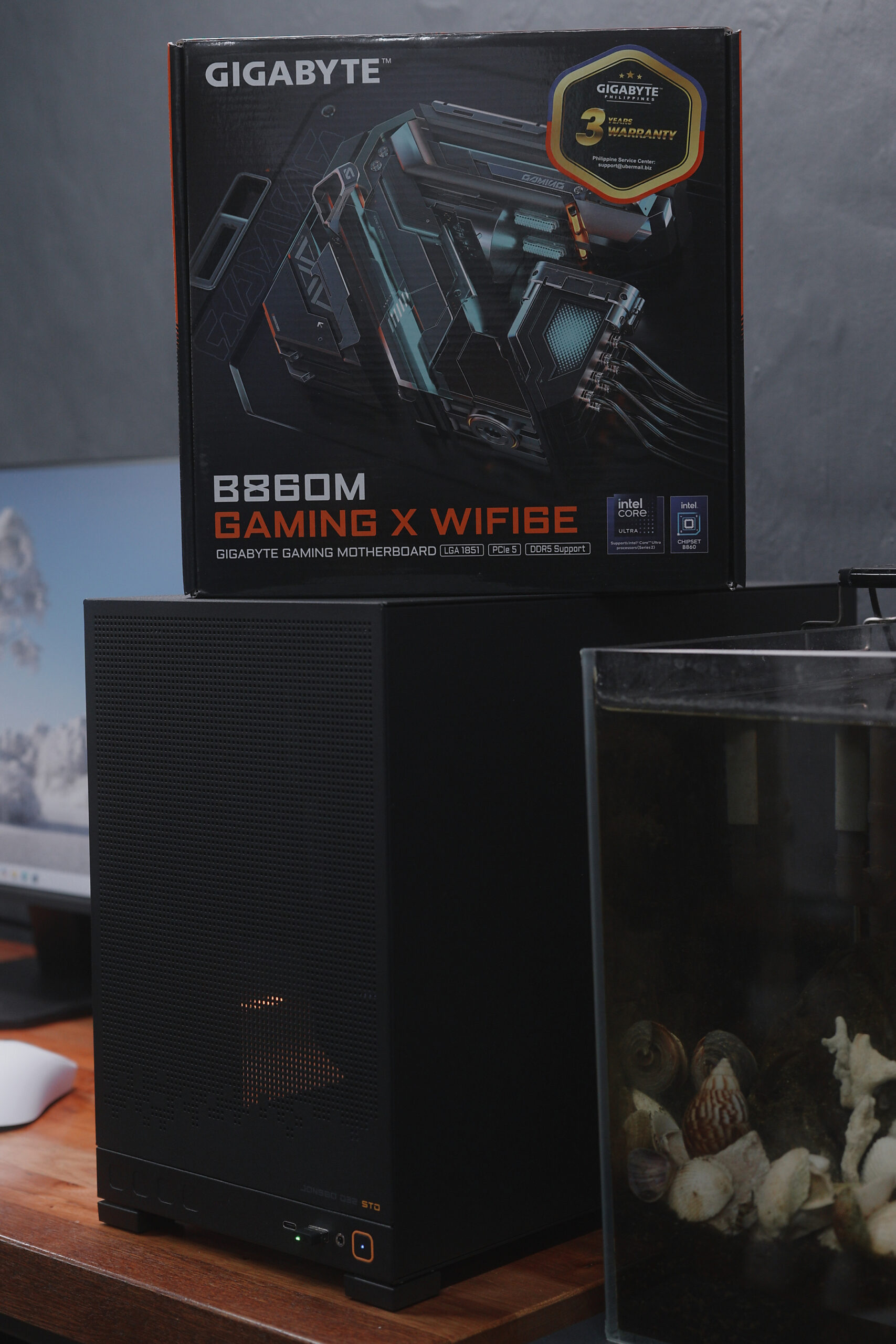
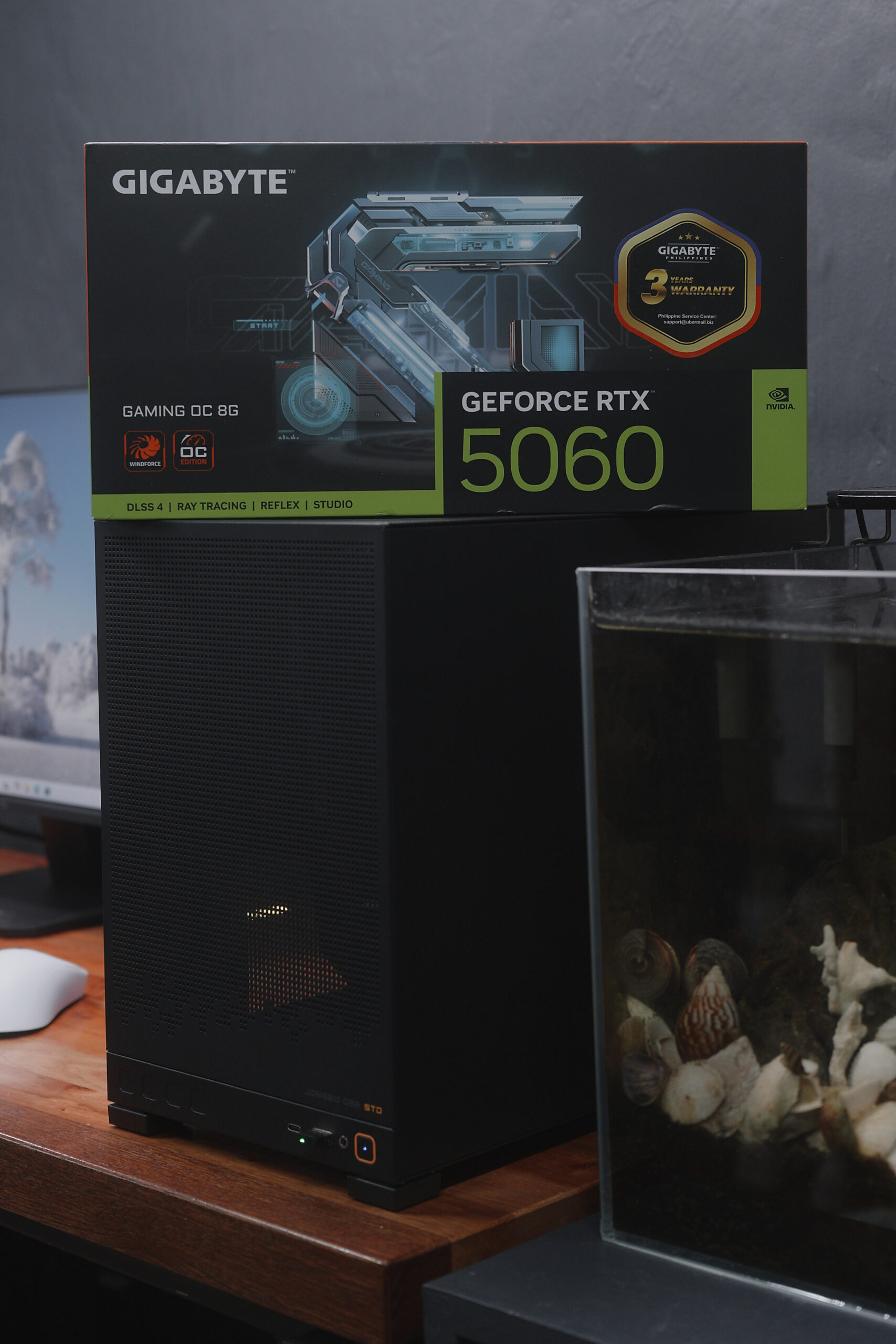
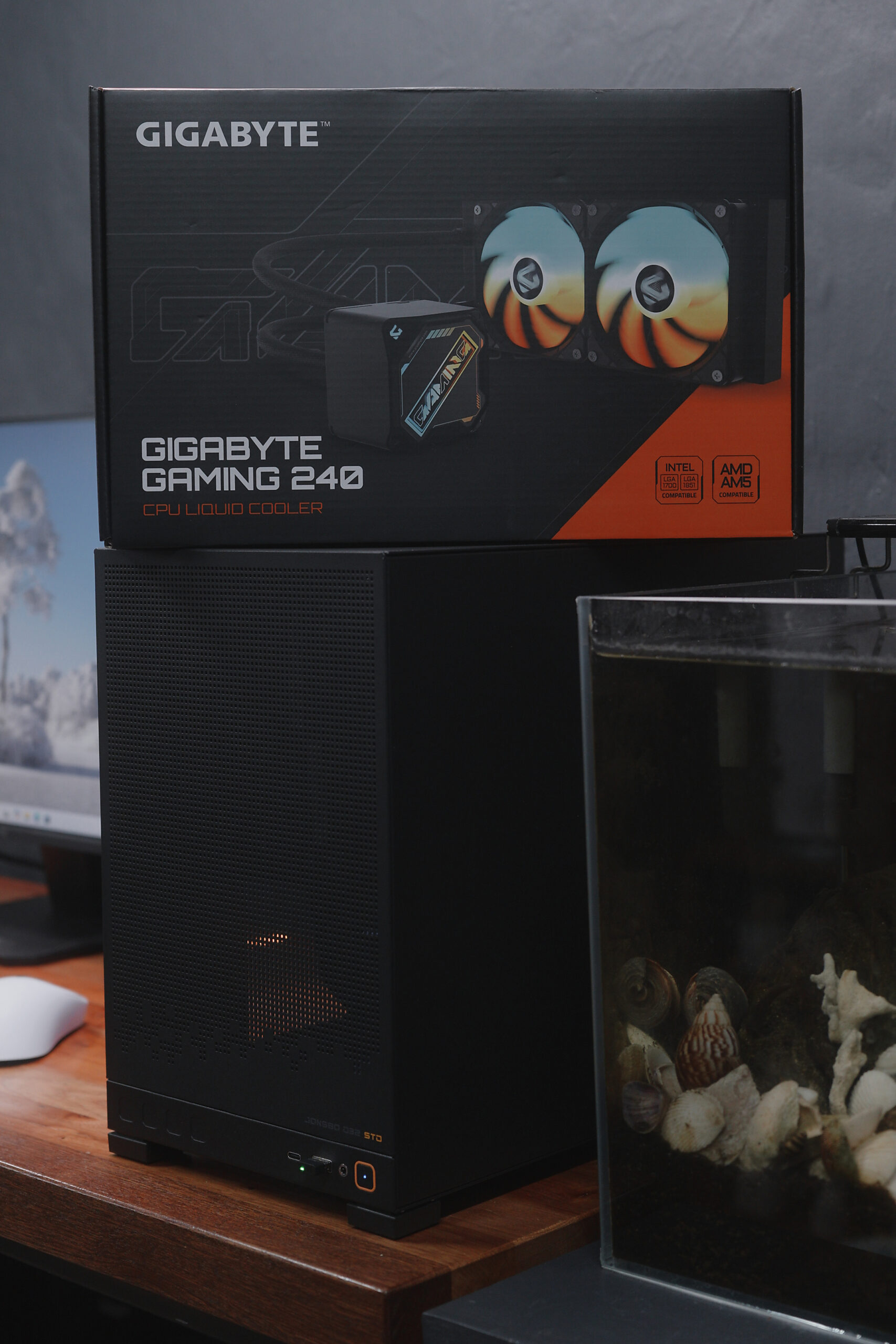
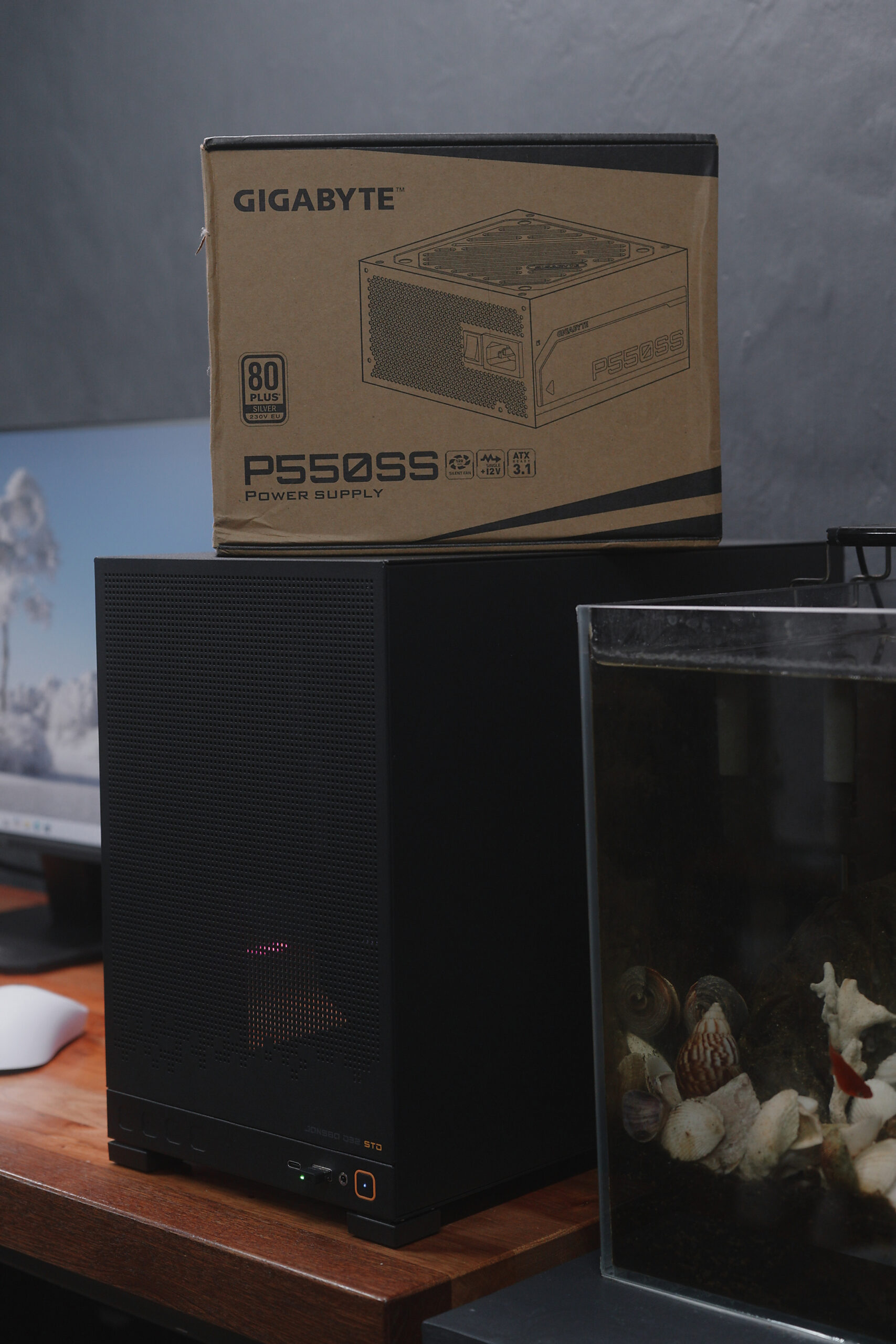
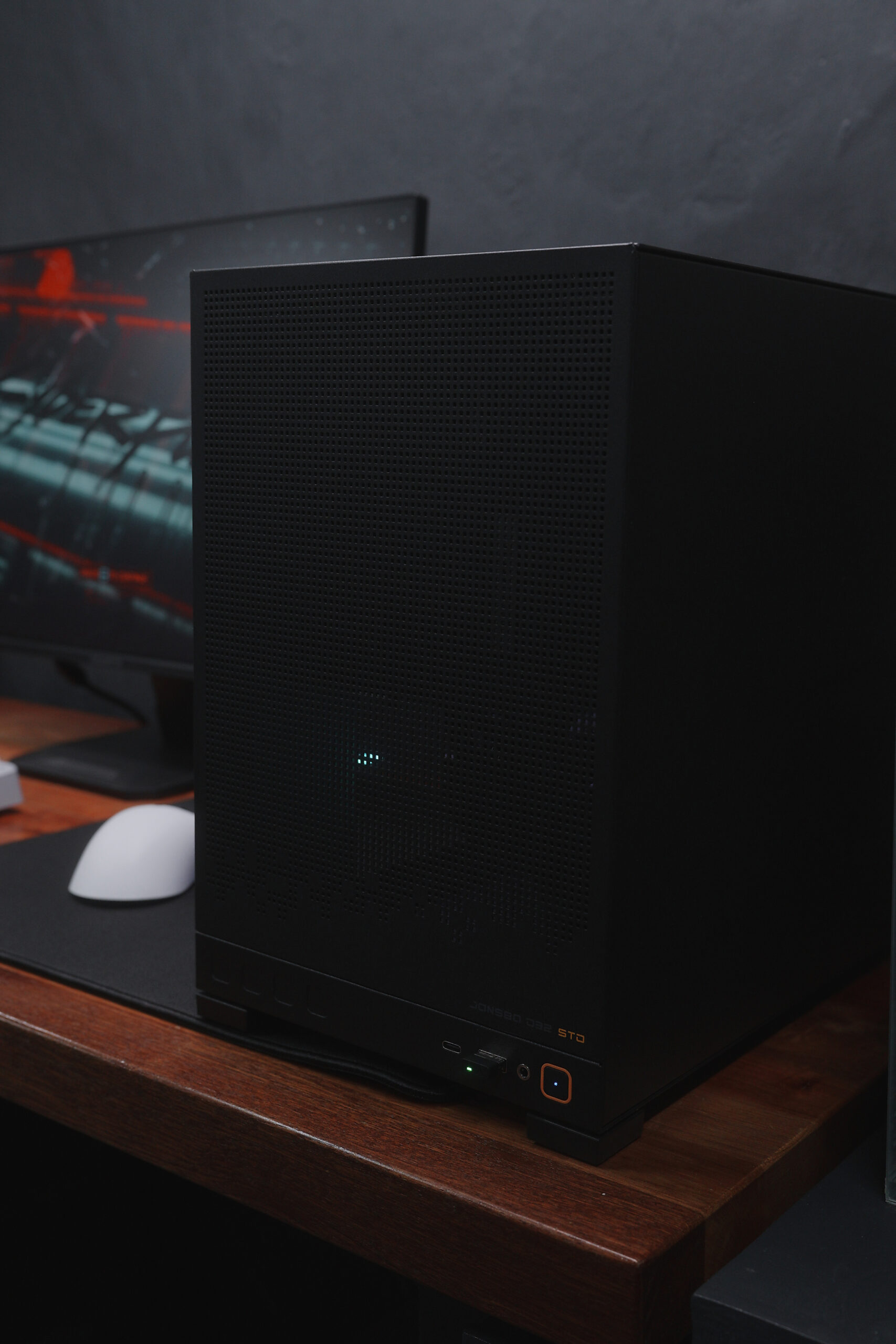
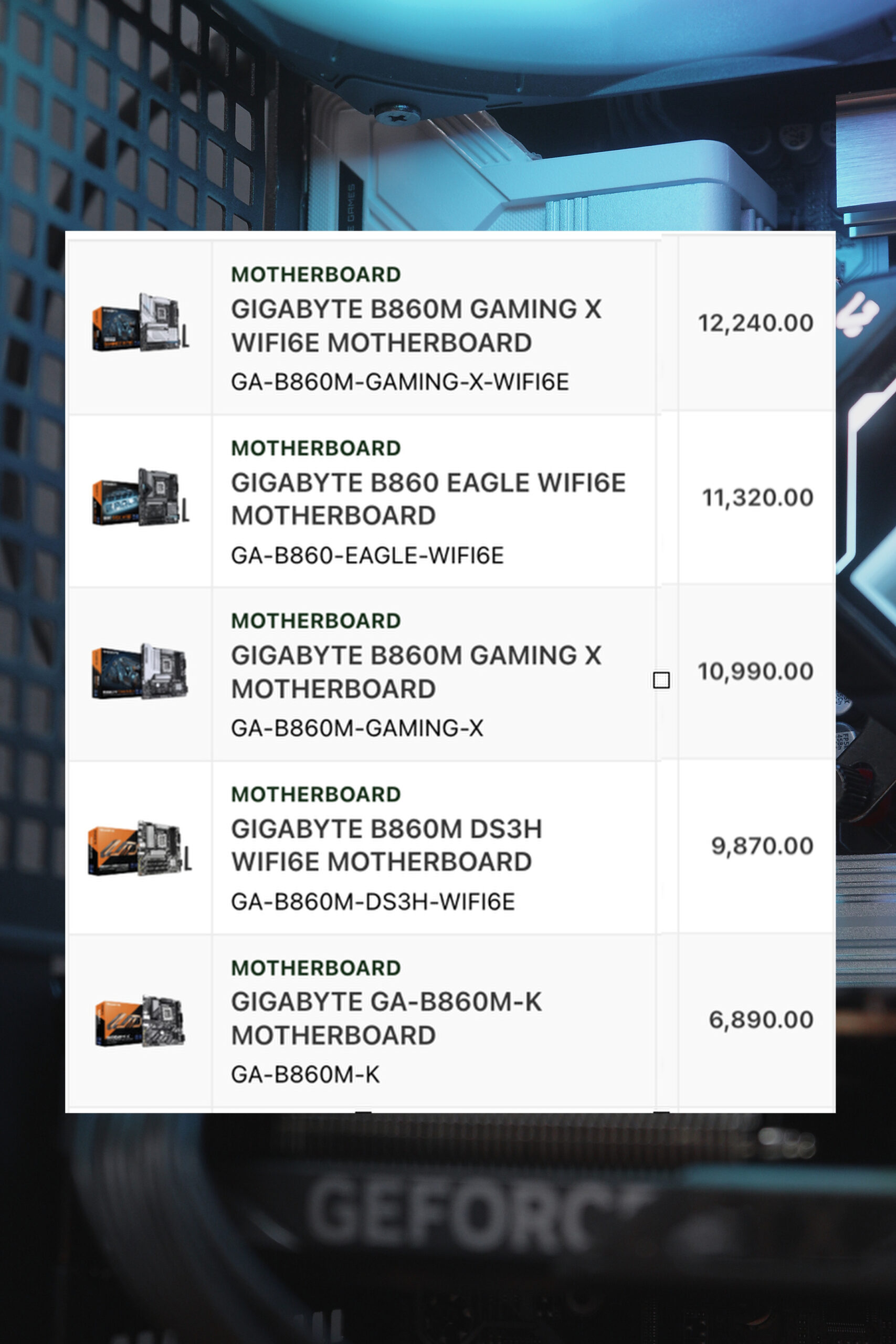
By the way, if you want an even more affordable option, you can choose a cheaper B860 motherboard from the list.
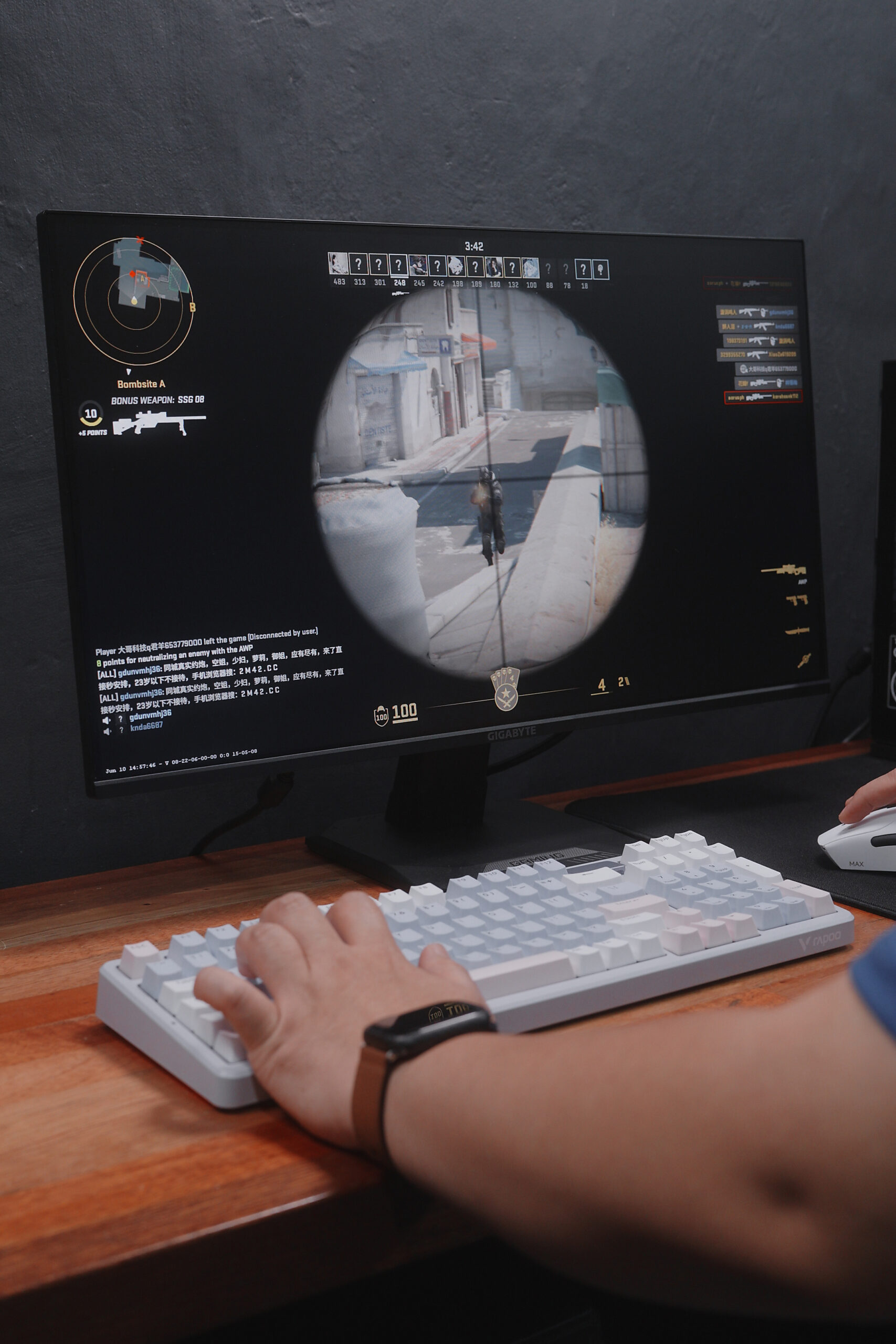
For peripherals to complete the setup, we have the Gigabyte GS24F2 monitor, the Rapoo V700 mechanical keyboard, and the Rapoo VT7 Max gaming mouse.
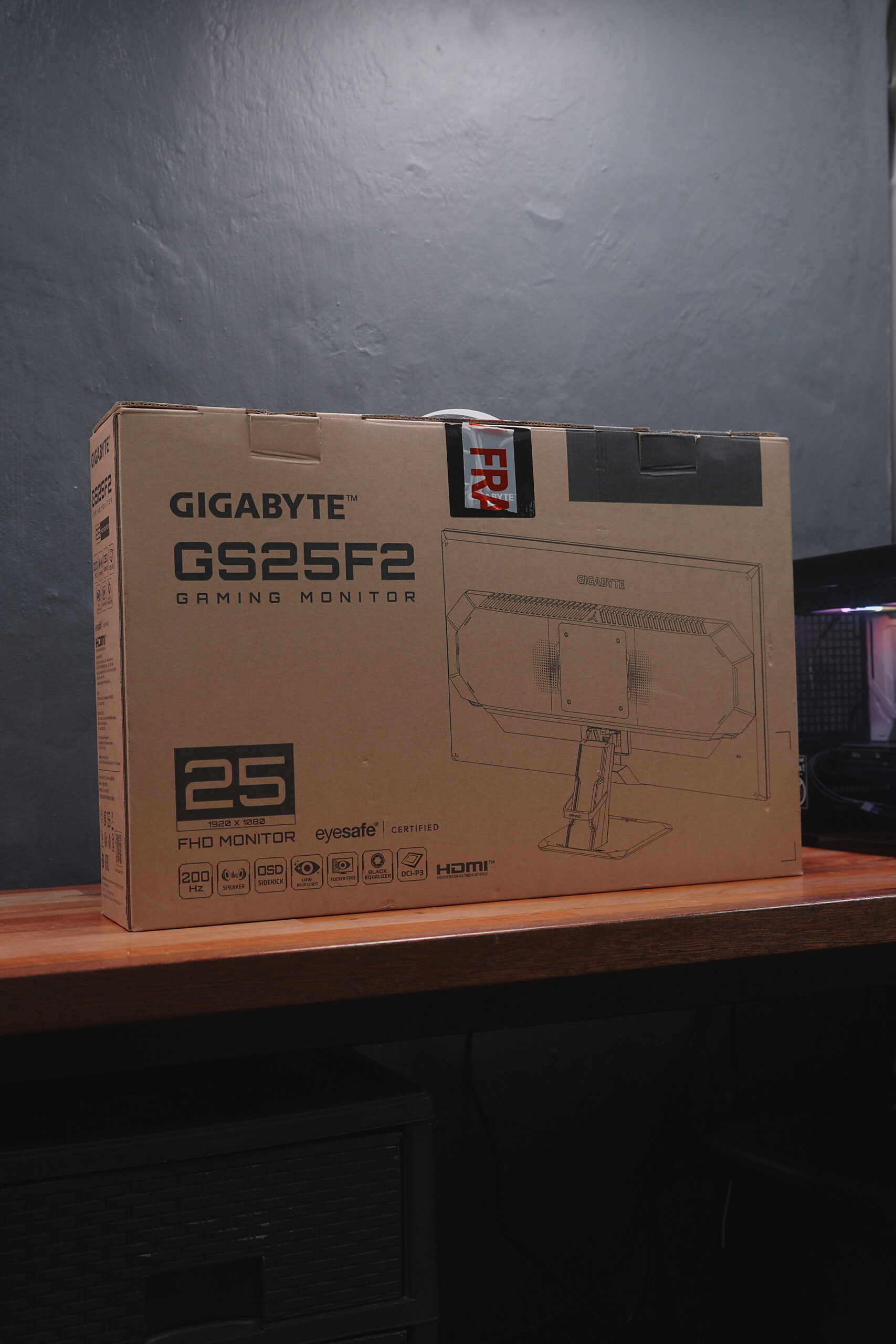
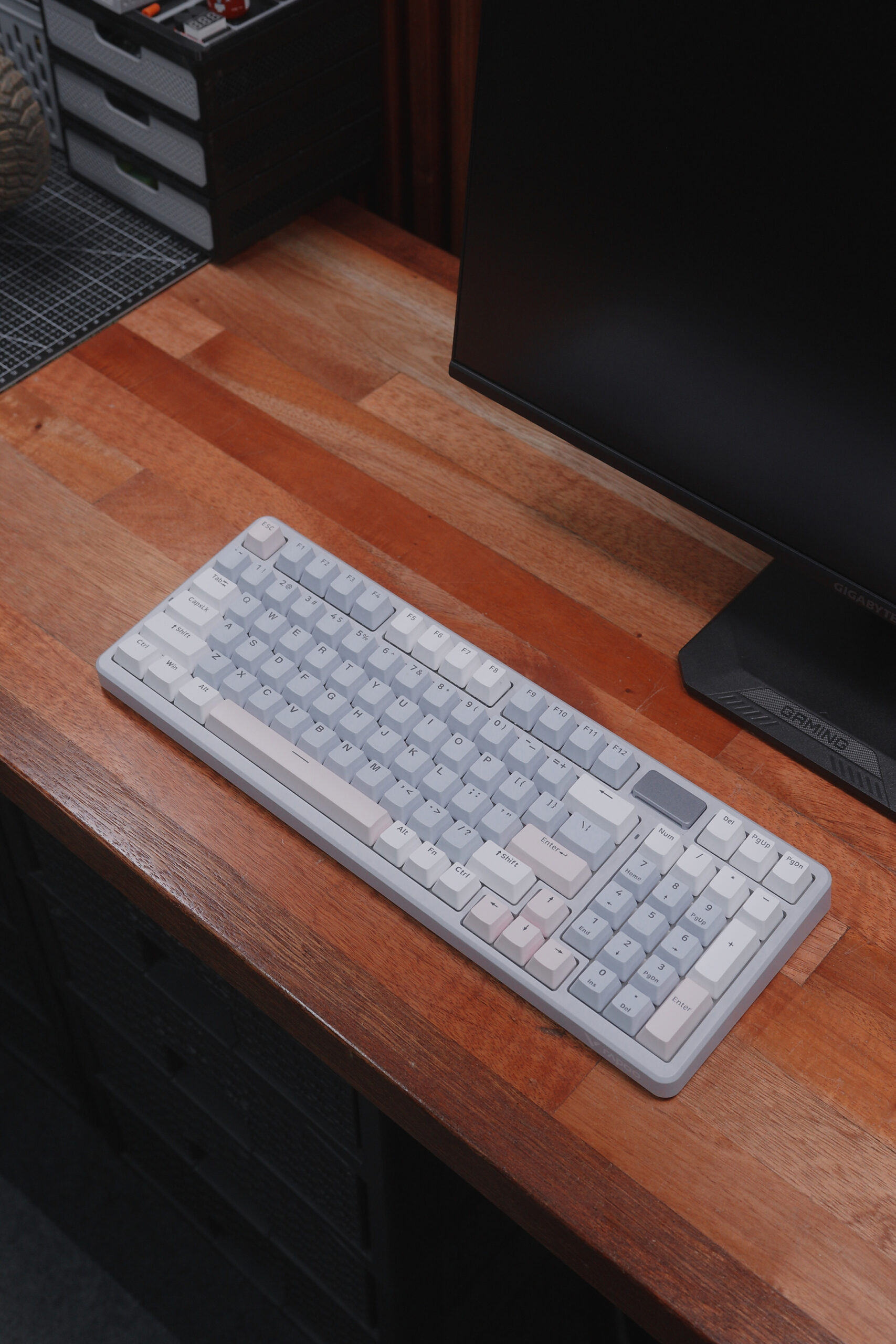
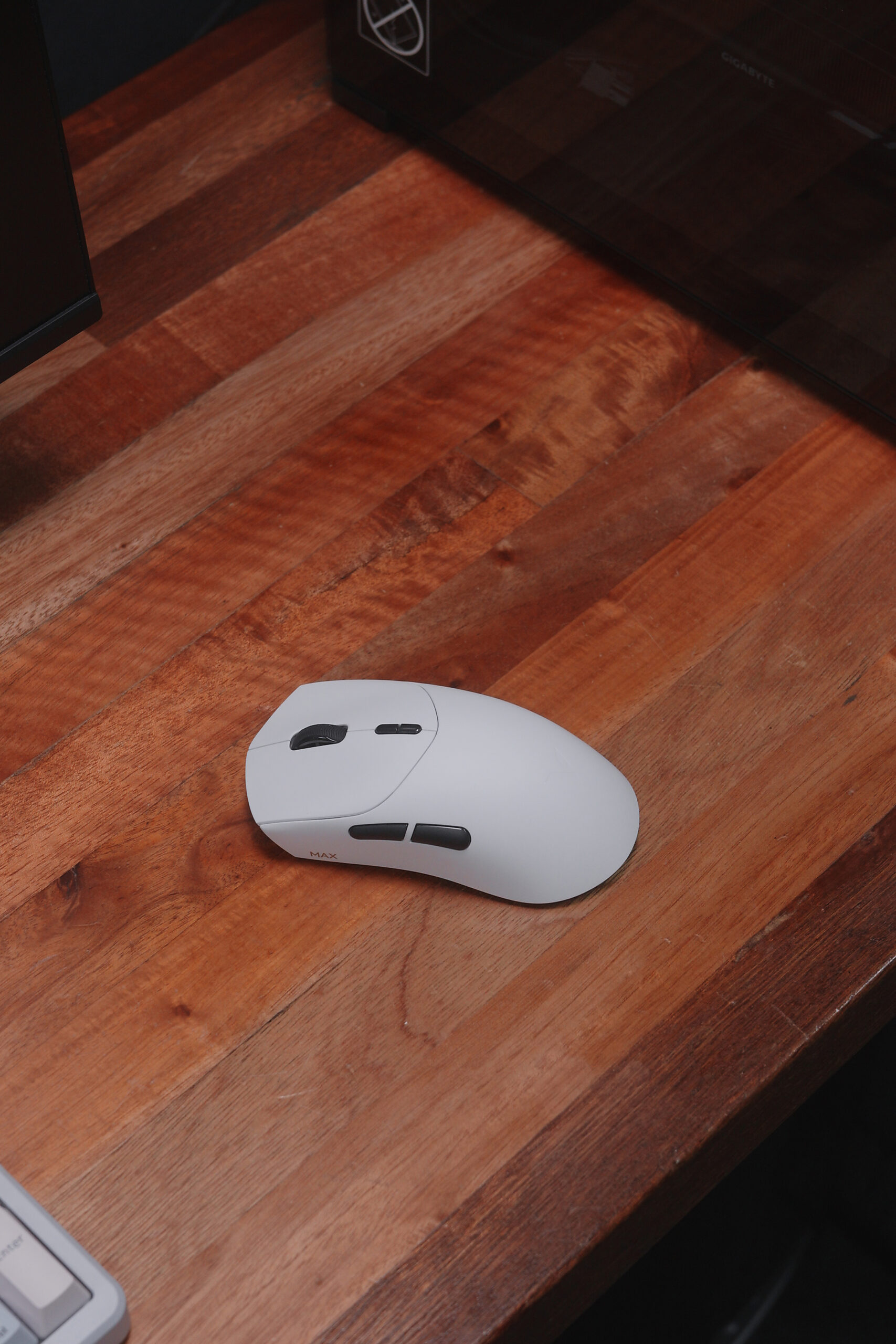
Now, the great thing about Intel is that it offers three key software advantages that are very beginner-friendly: Intel Application Optimization (APO), Intel Extreme Memory Profile (XMP), and Intel Extreme Tuning Utility (XTU). But for this video, we’ll focus on APO and XMP since they’re perfect for beginners and very easy to configure.
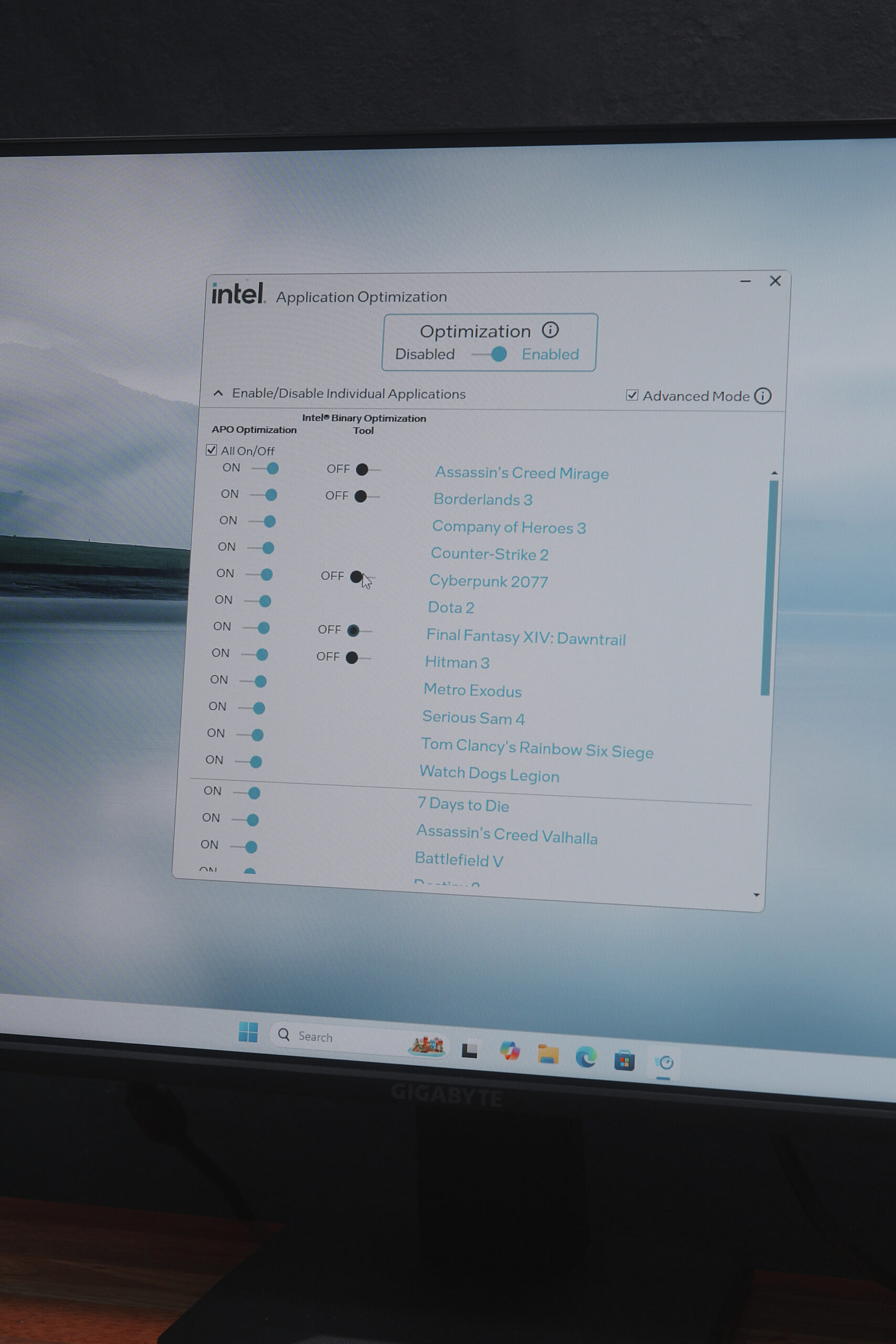
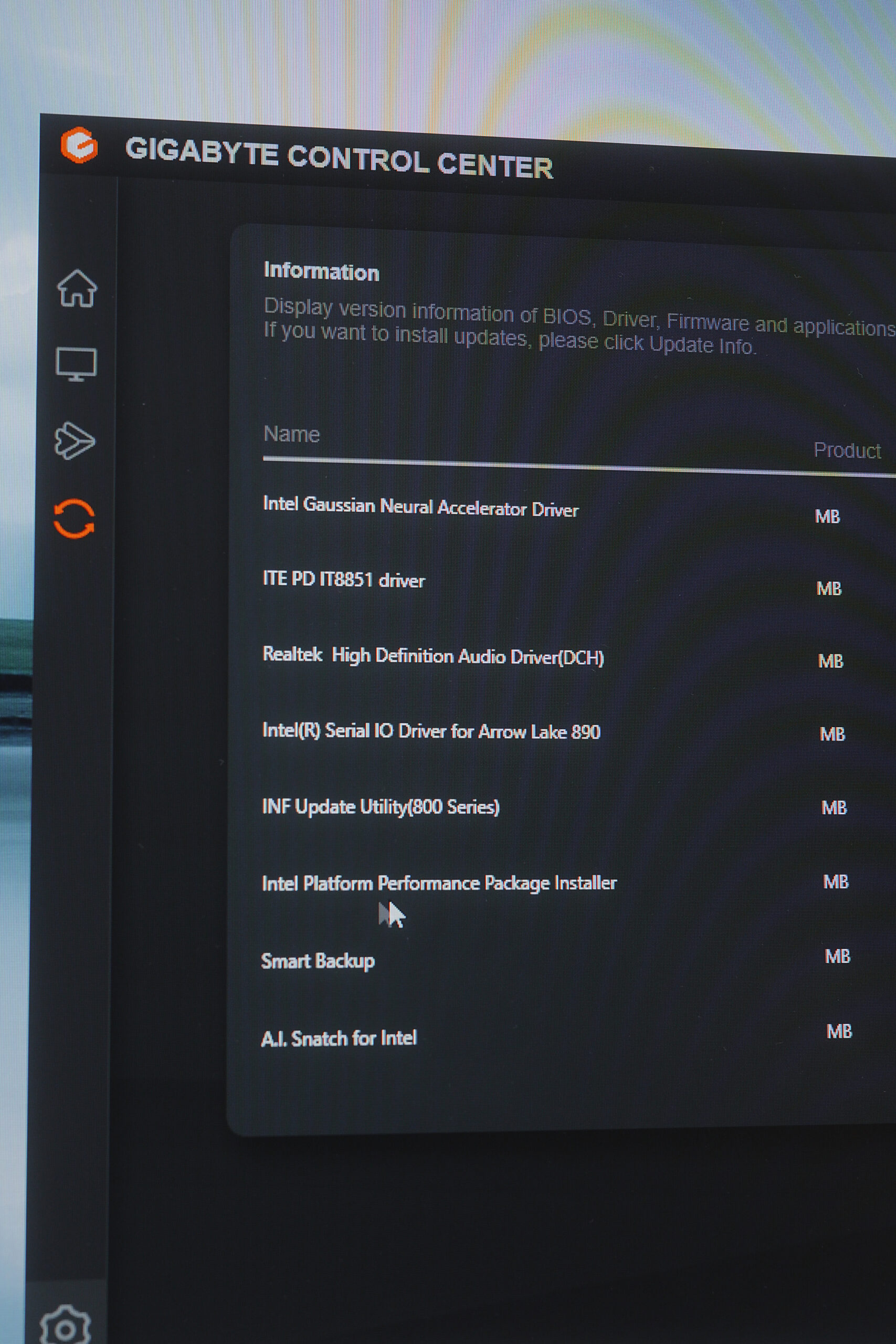
To take advantage of these, we need the Intel Platform Performance Package (IPPP), which is an all-in-one driver package for all the software needed to optimize CPU performance. And since we’re using a Gigabyte motherboard, this is readily available via GCC Live Update—no need to search on Google.
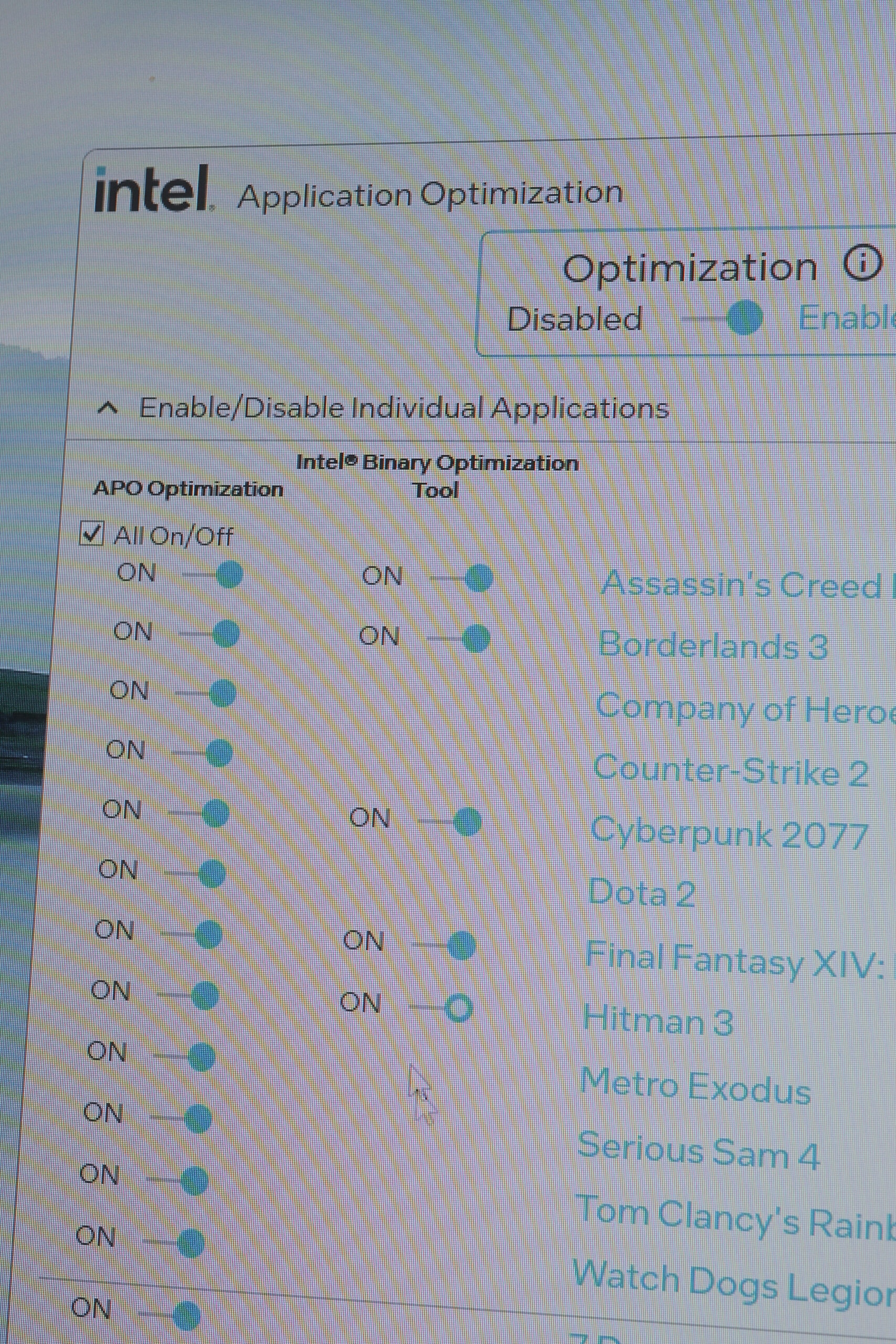
To optimize your Intel CPU performance, just open the Intel Application Optimizer. APO is automatically enabled, but the Intel Binary Optimization Tool (IBOT) needs to be manually enabled per application or game.
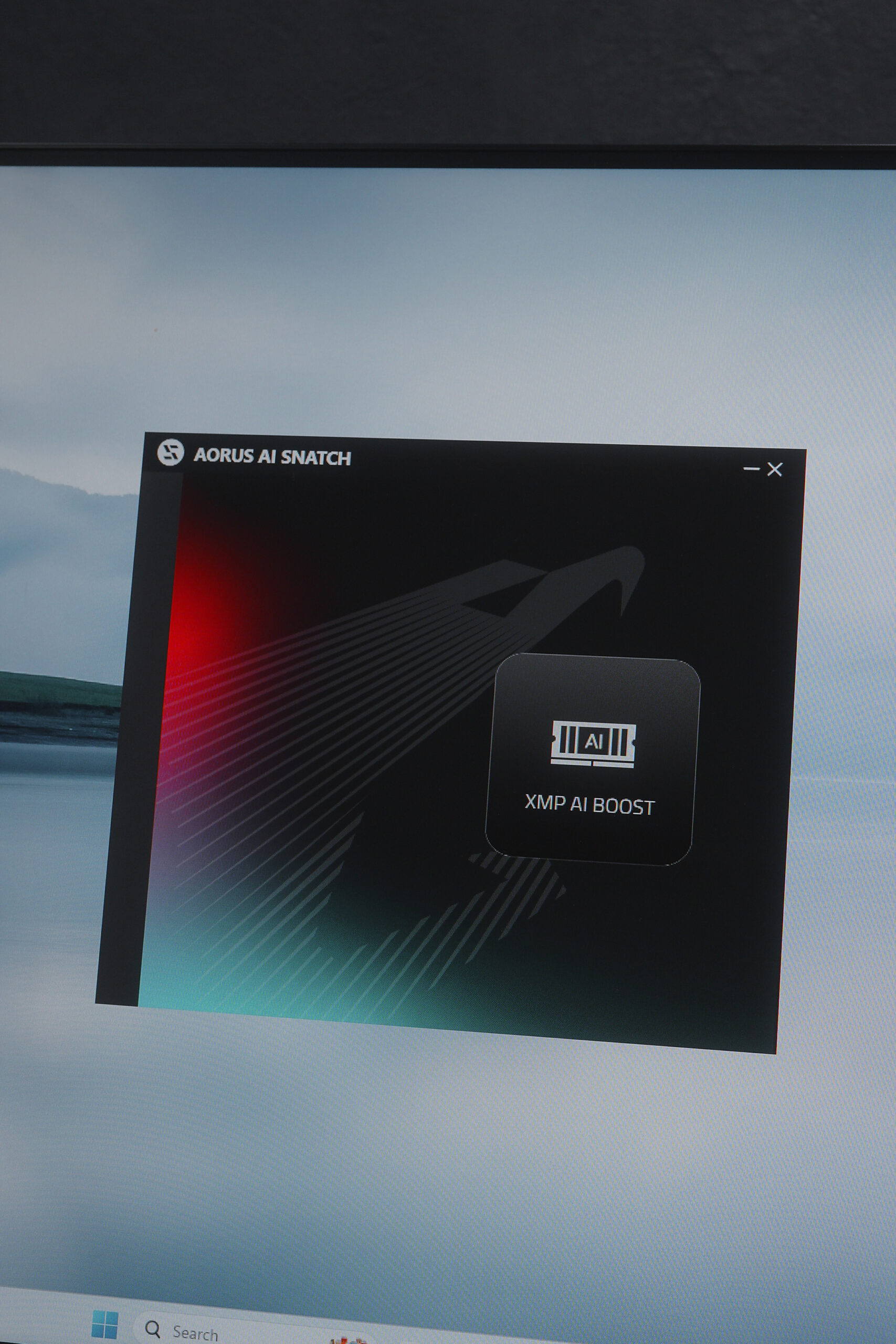
The second option we can enable is XMP AI Boost, which is super easy to do via the Aorus AI Snatch application.

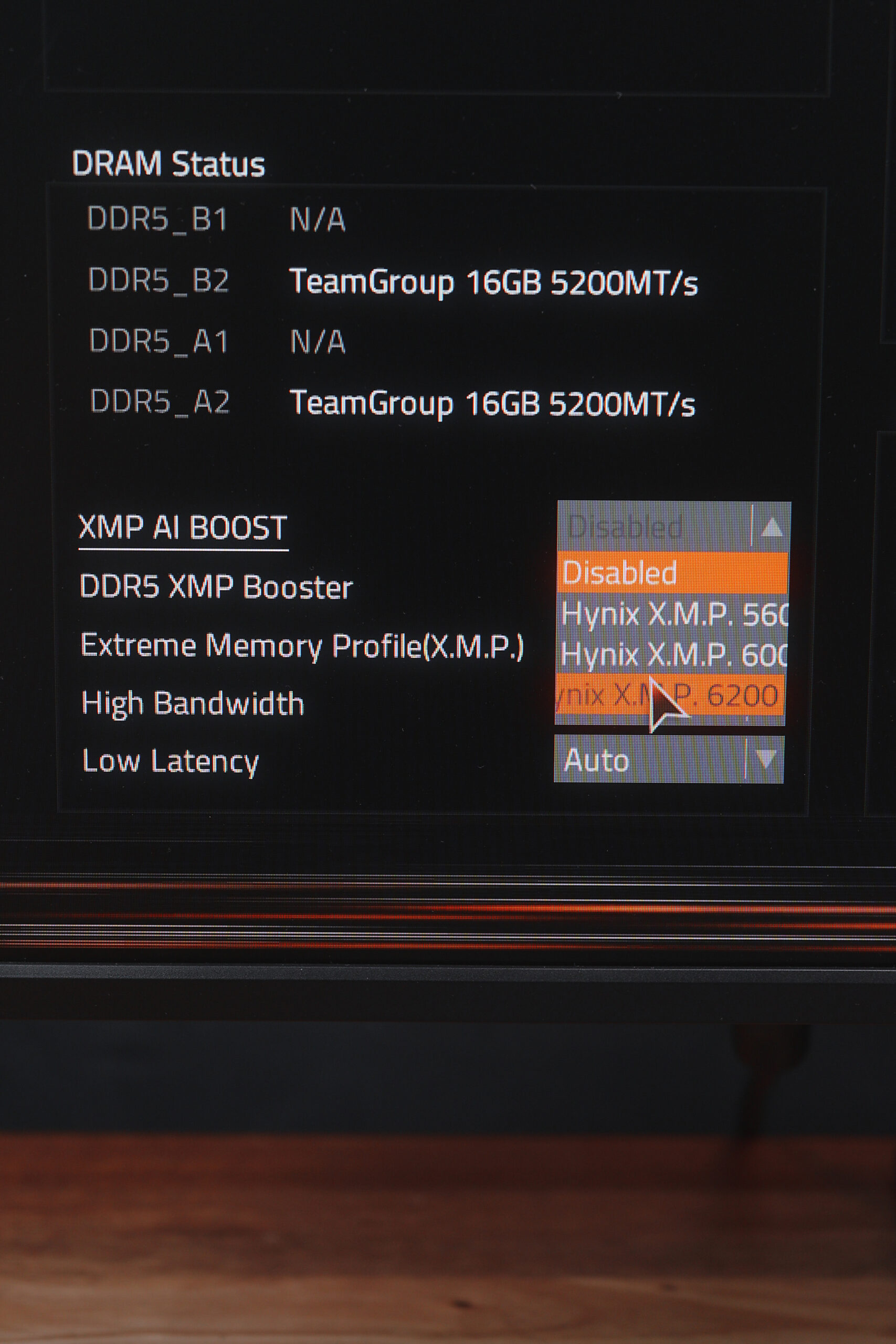
Just press the AI Boost button, follow the procedure, and the system will restart and enter BIOS automatically.
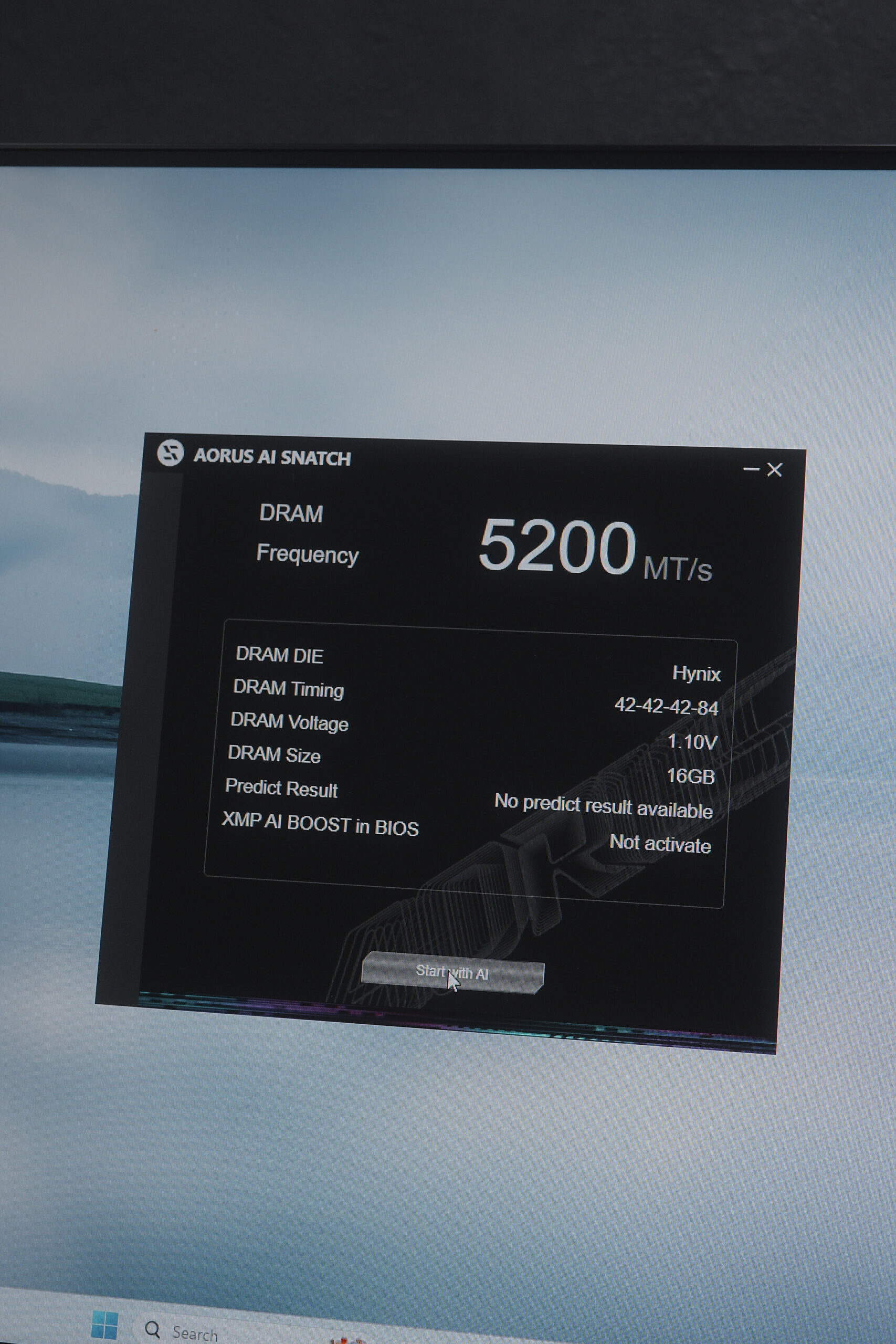

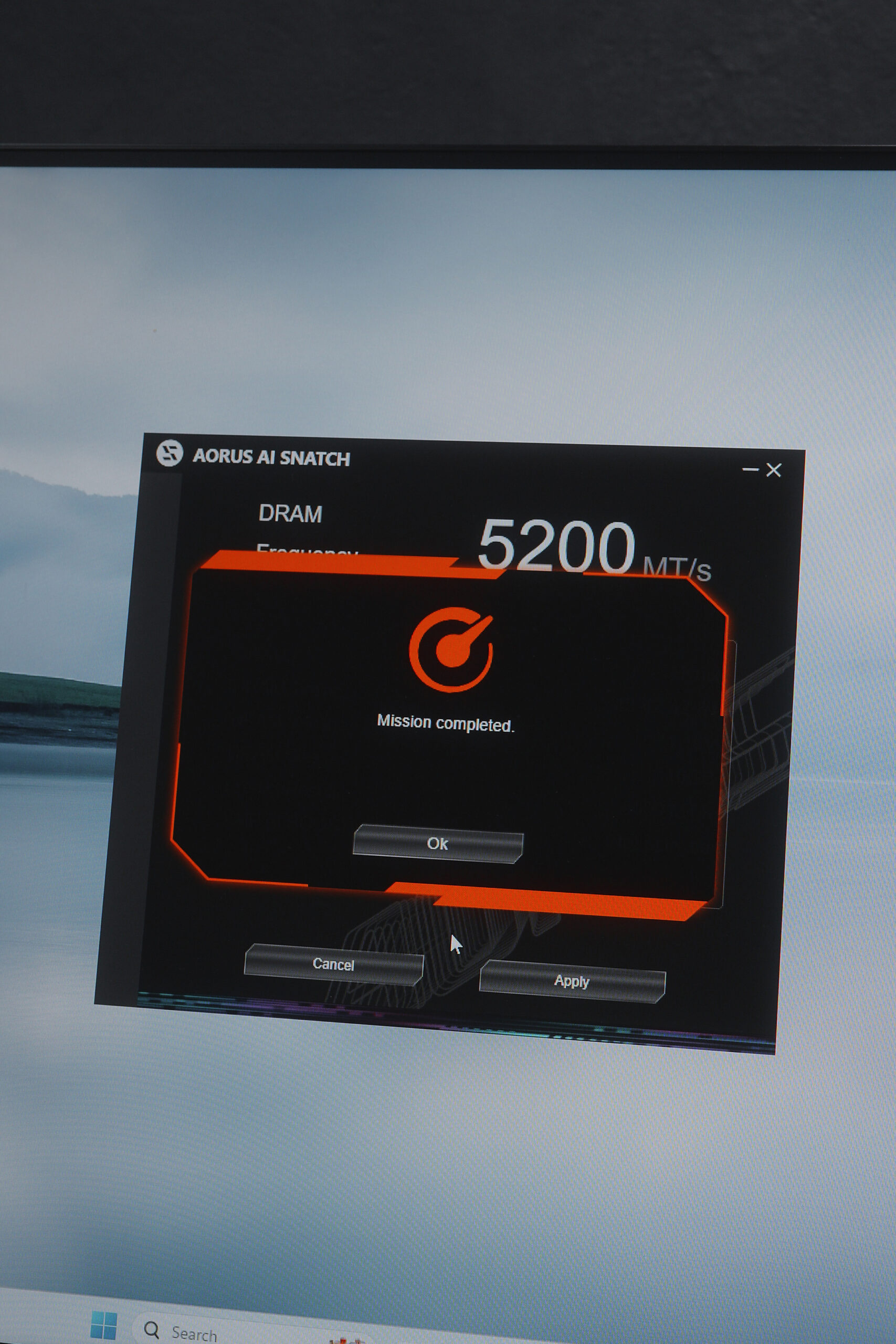
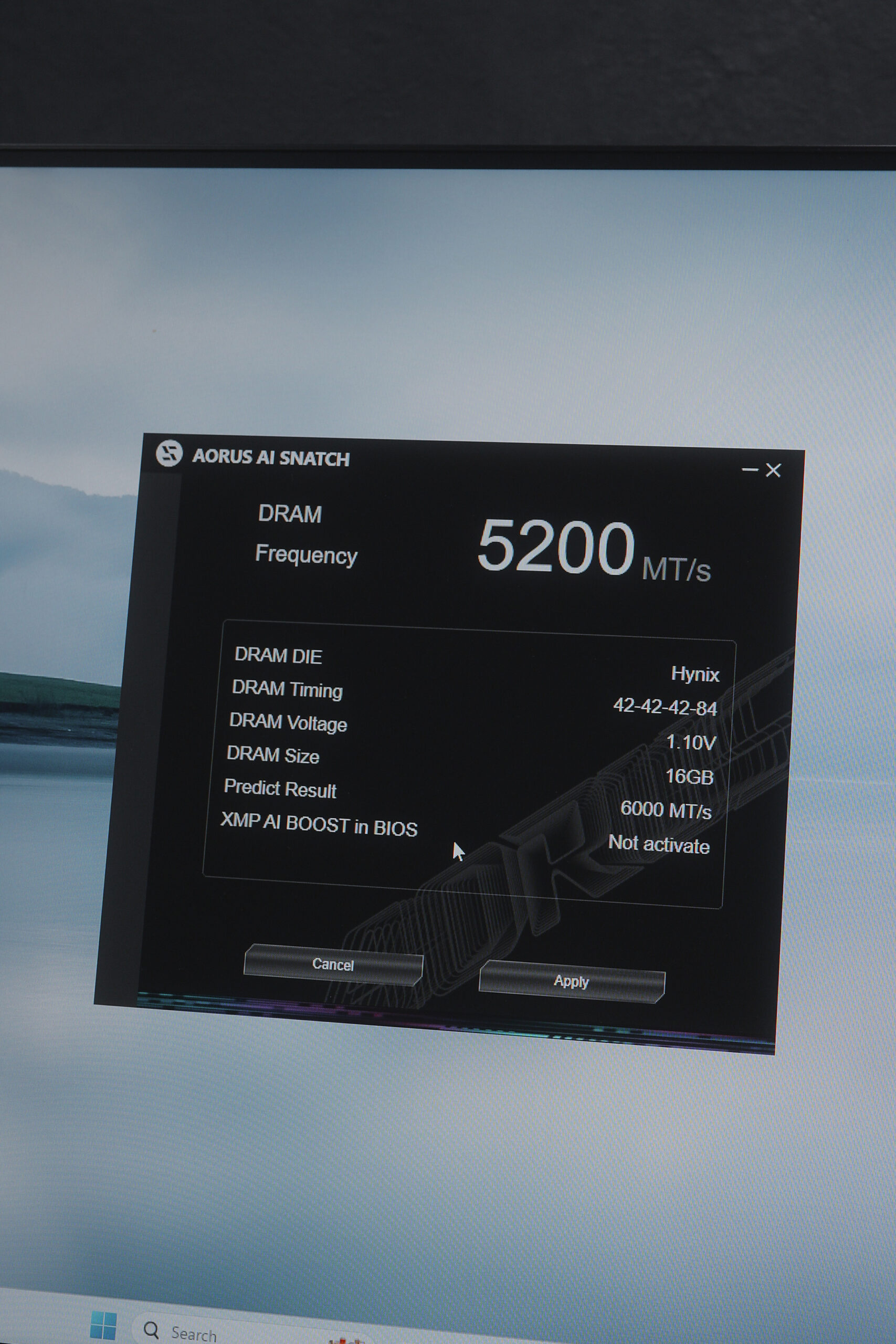
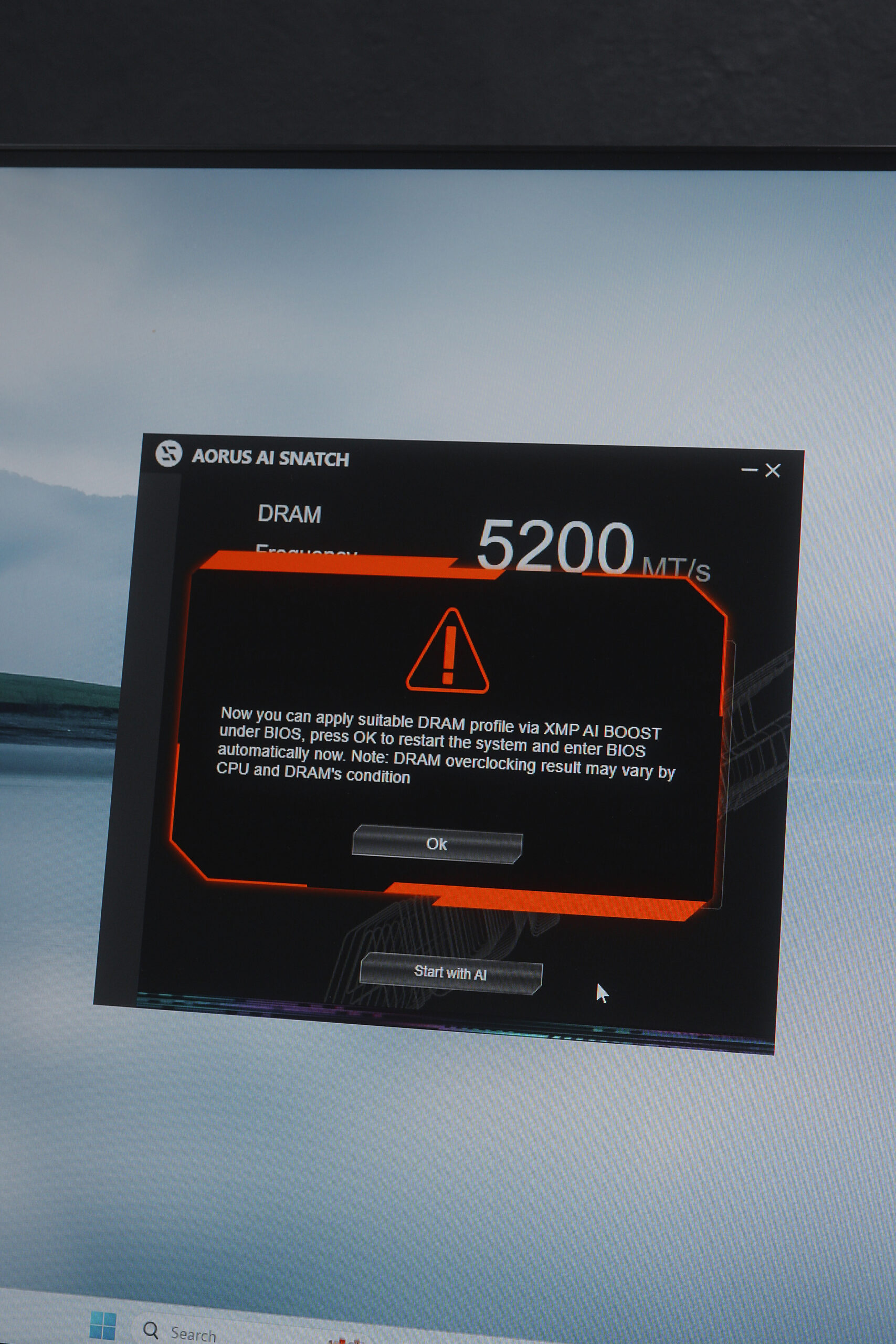
From there, you can choose from the available XMP profiles—and of course, we’ll pick the fastest one, going from 5200 to 6200 MT/s.
Based on testing, we saw a substantial improvement in CPU performance: GeekBench 6 showed a 10.5% improvement in multi-core and 4.2% in single-core performance,
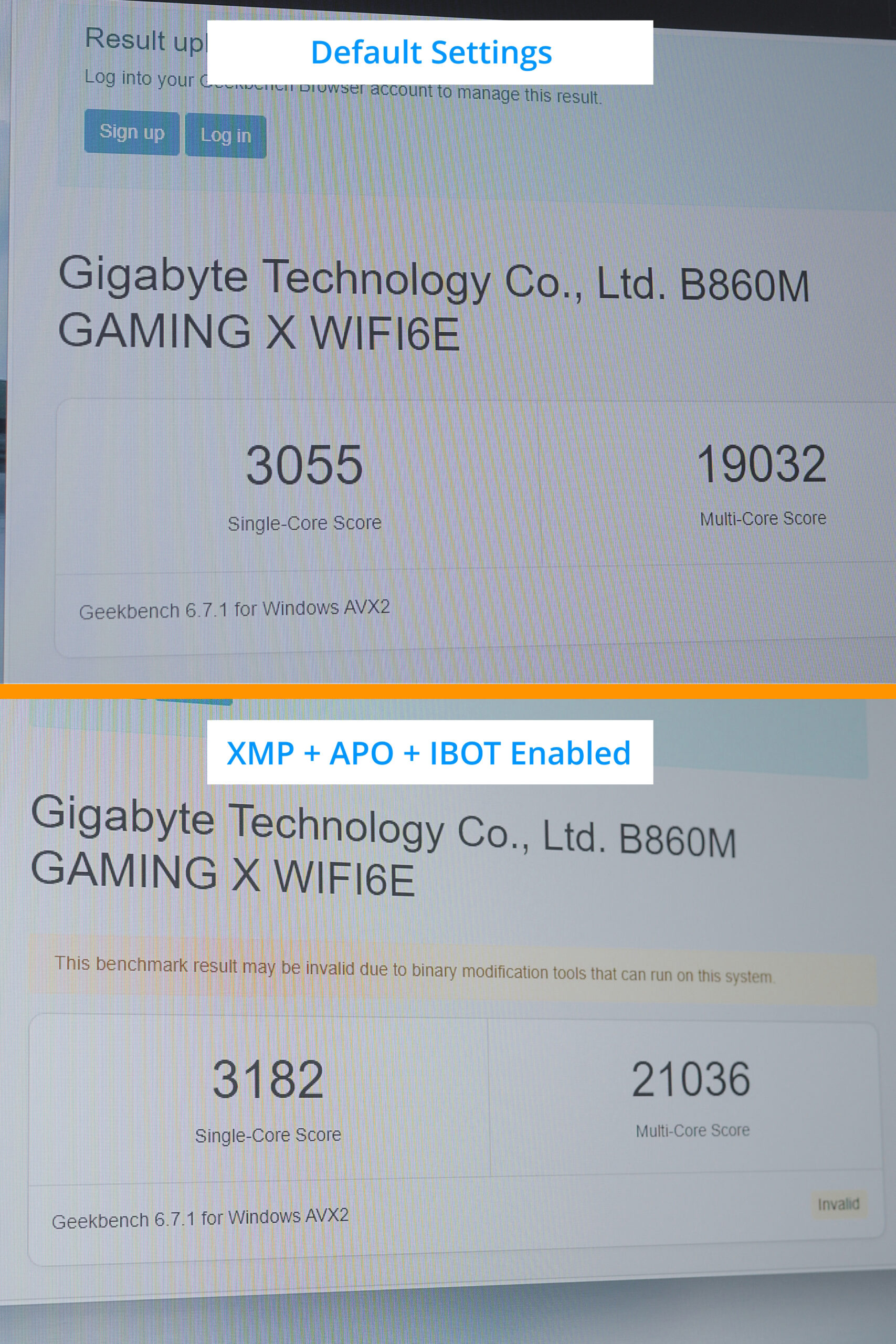
while Cinebench 2024 showed a modest 3% improvement in both.
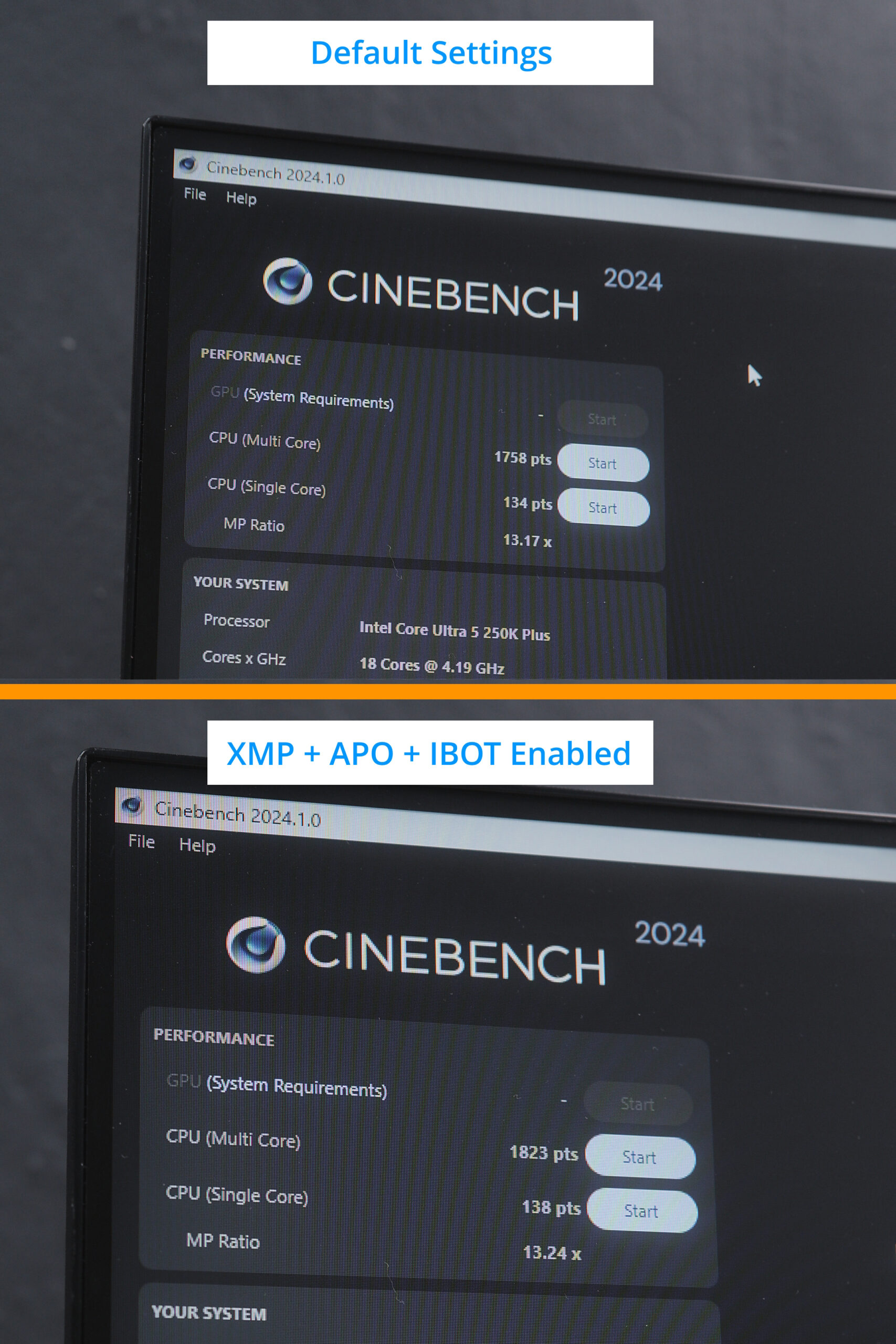
As expected, for GPU-bound games like Cyberpunk 2077 and Counter-Strike 2, the improvement was negligible.
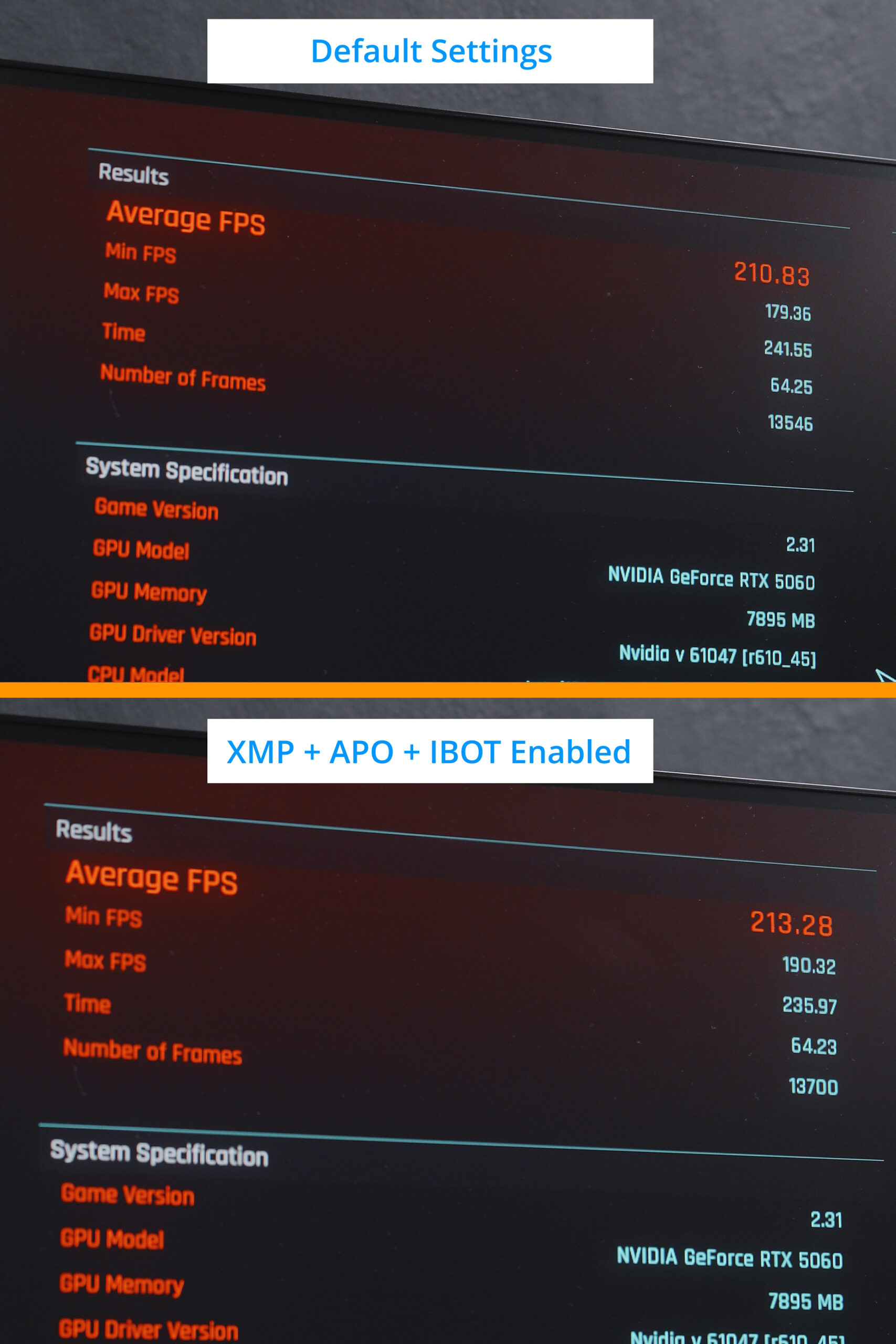
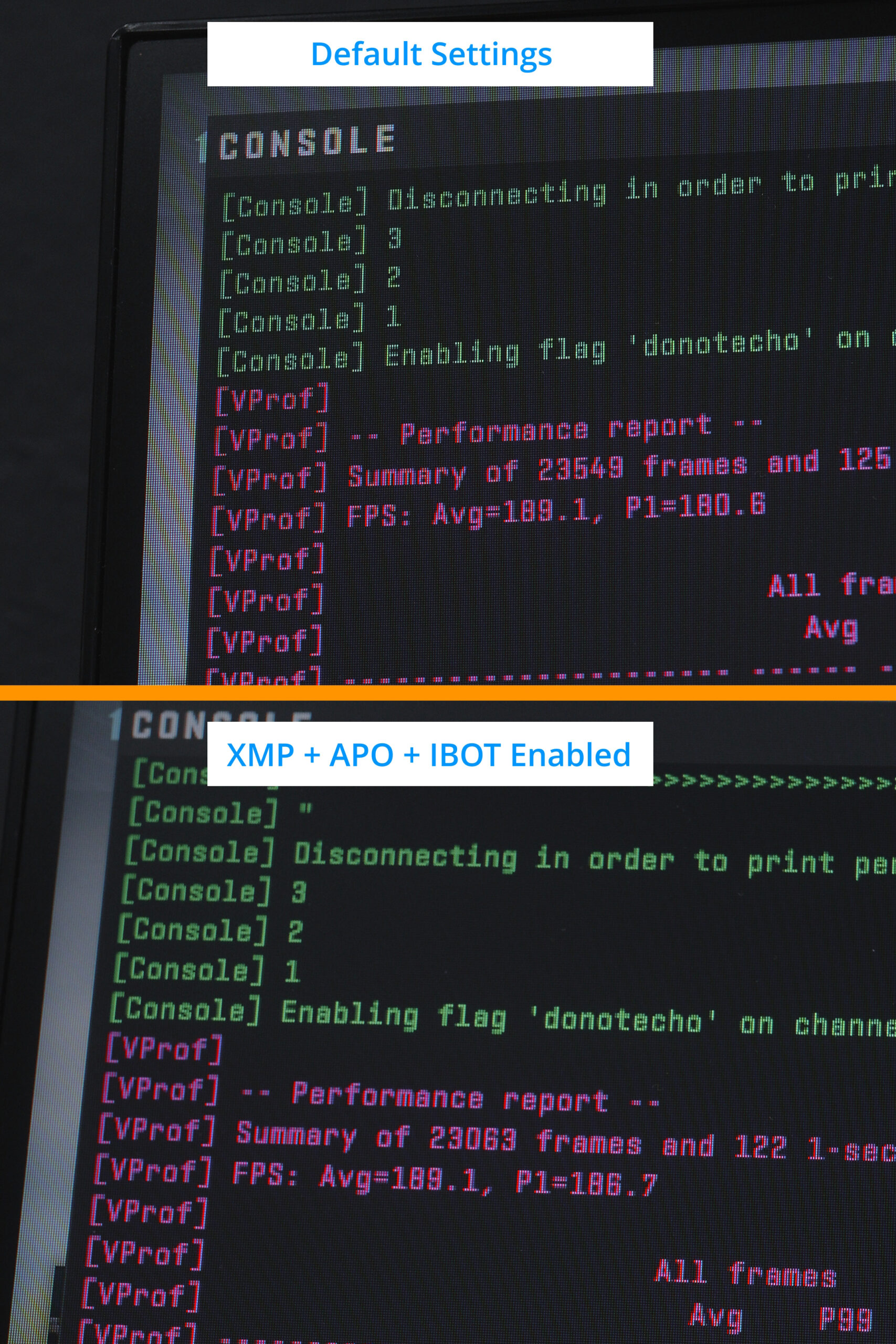
But for productivity tasks, with just a few clicks, you can really maximize the performance of your Intel processor.
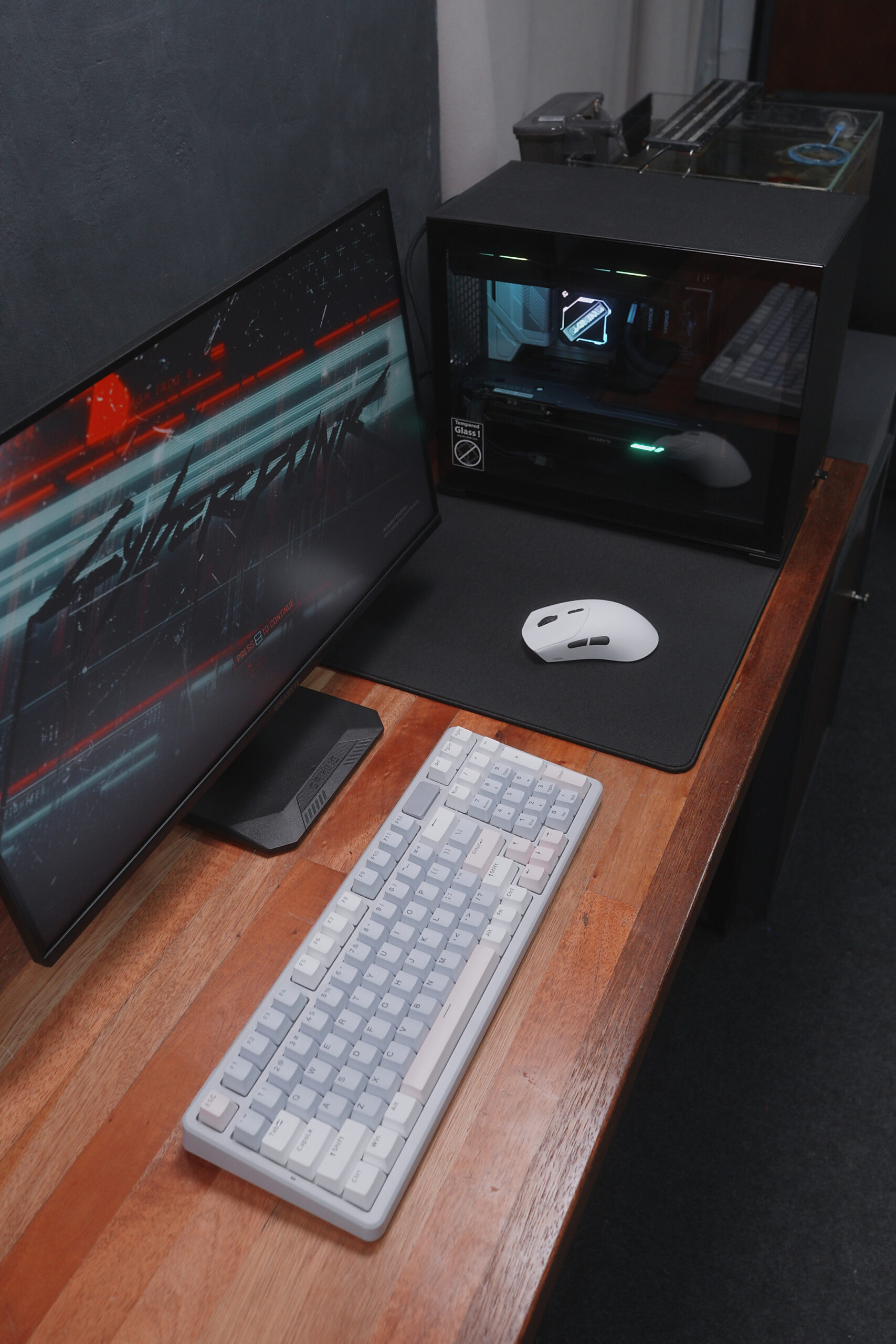
That’s the key advantage of the Intel Core Ultra 5 250K+ processor—a great option for budget PC builds this year, especially compared to older Intel generations or AMD processors.
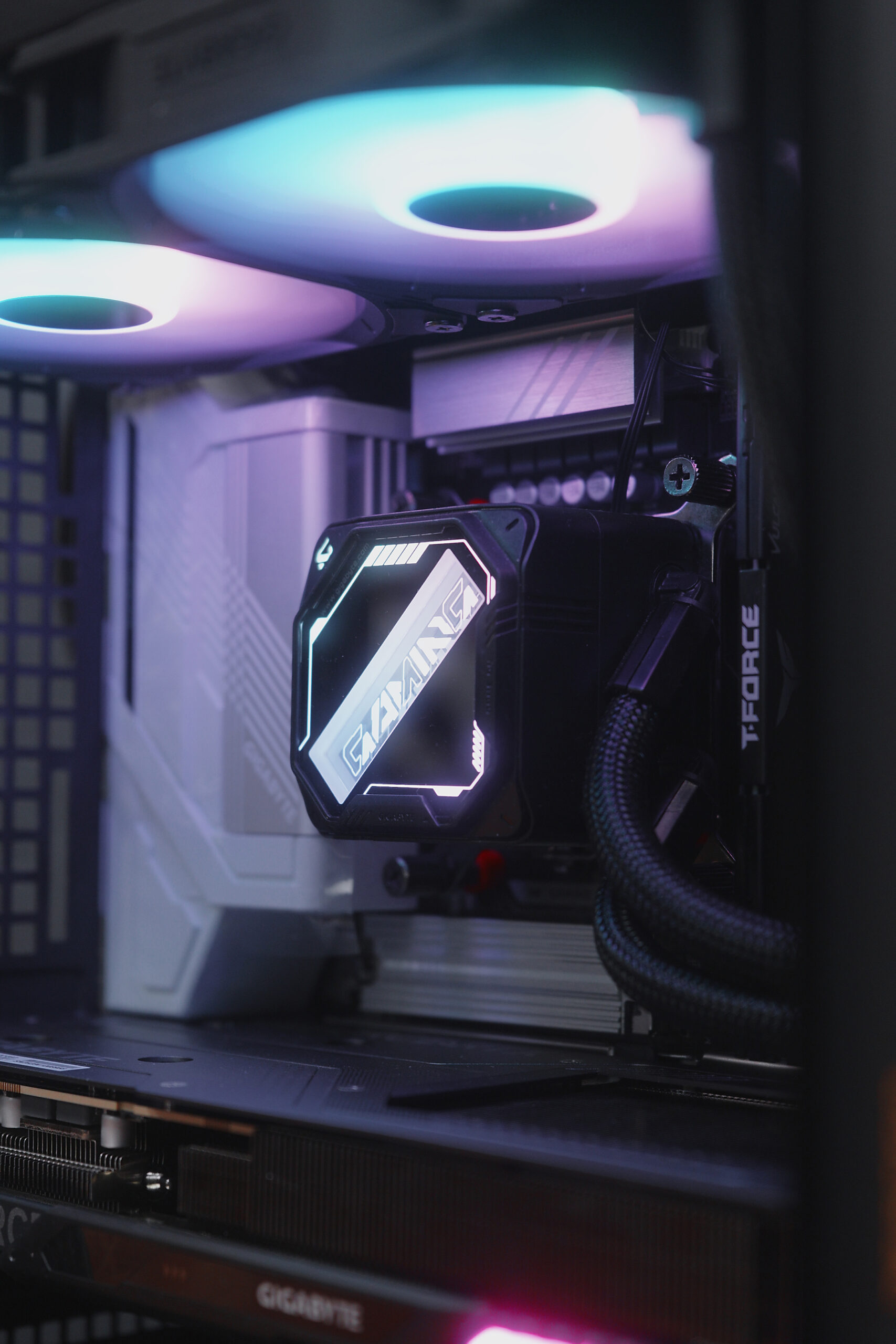
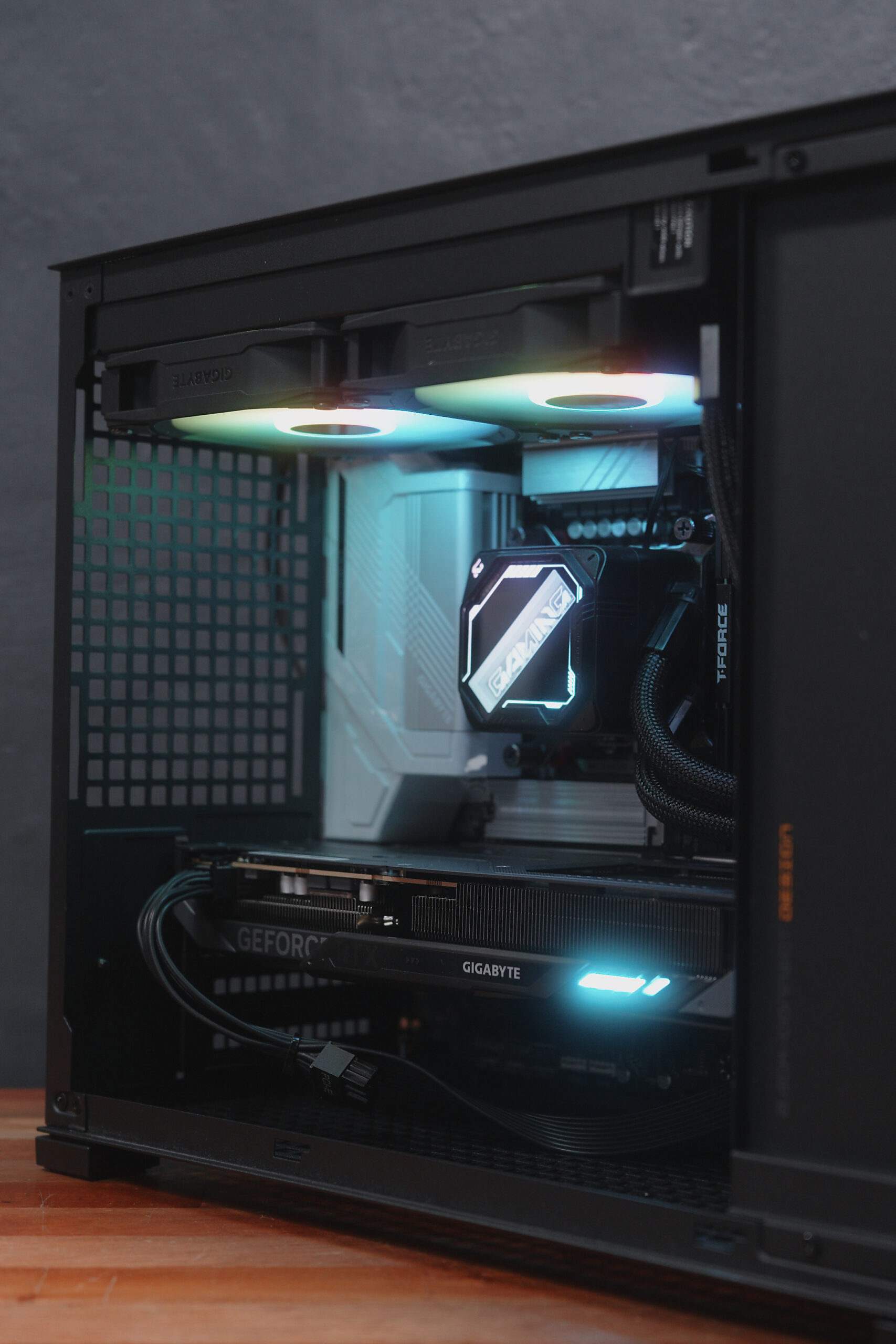
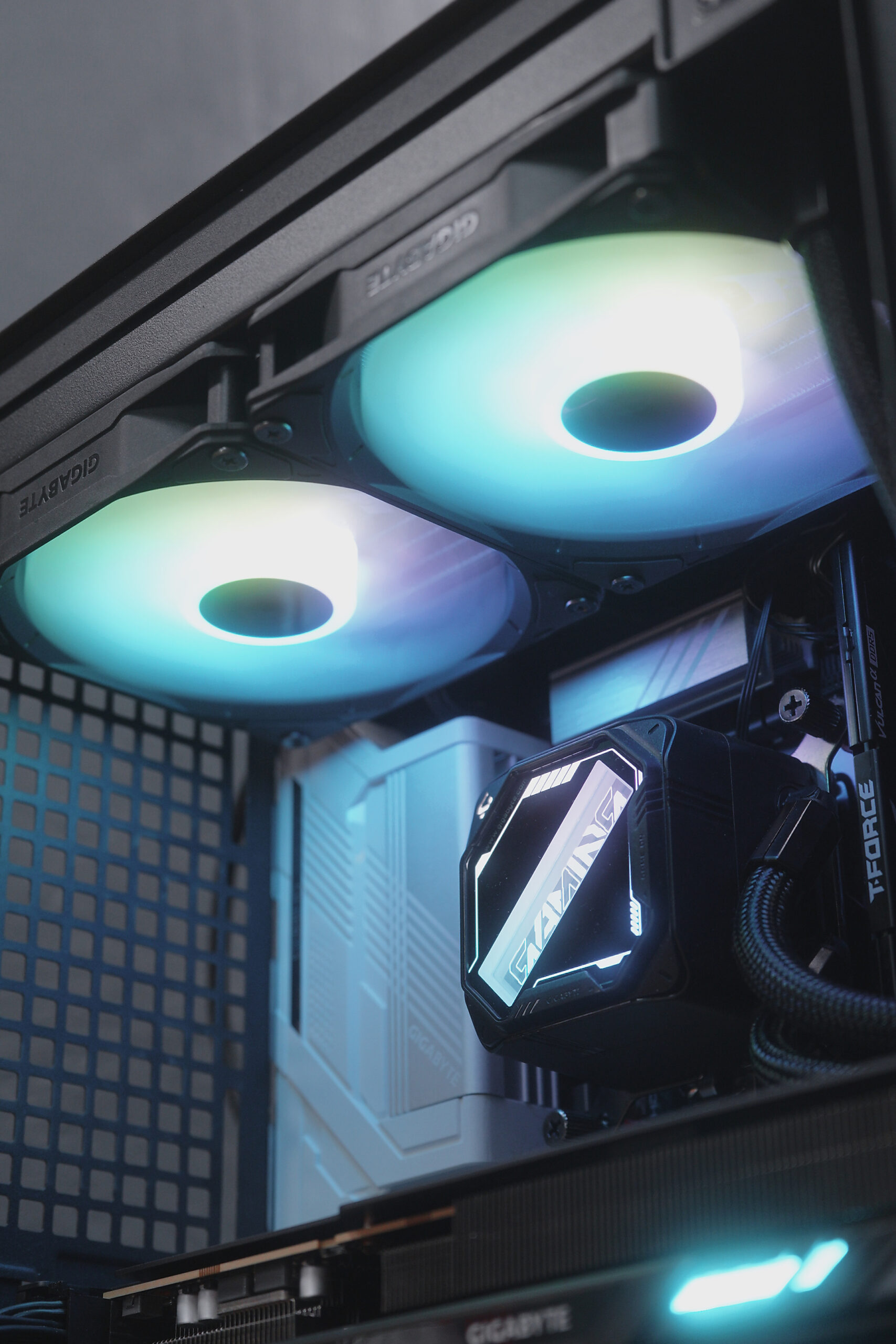
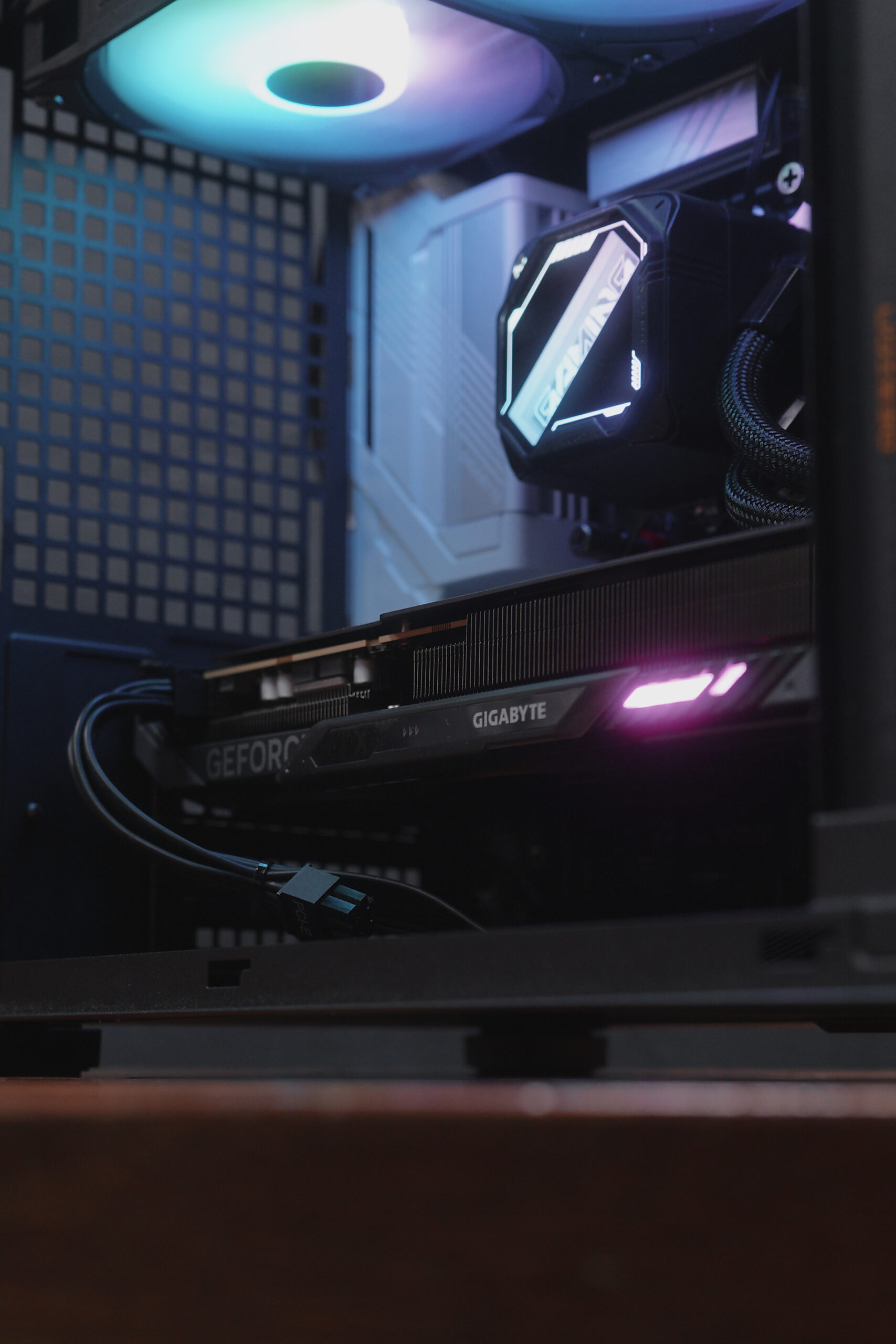
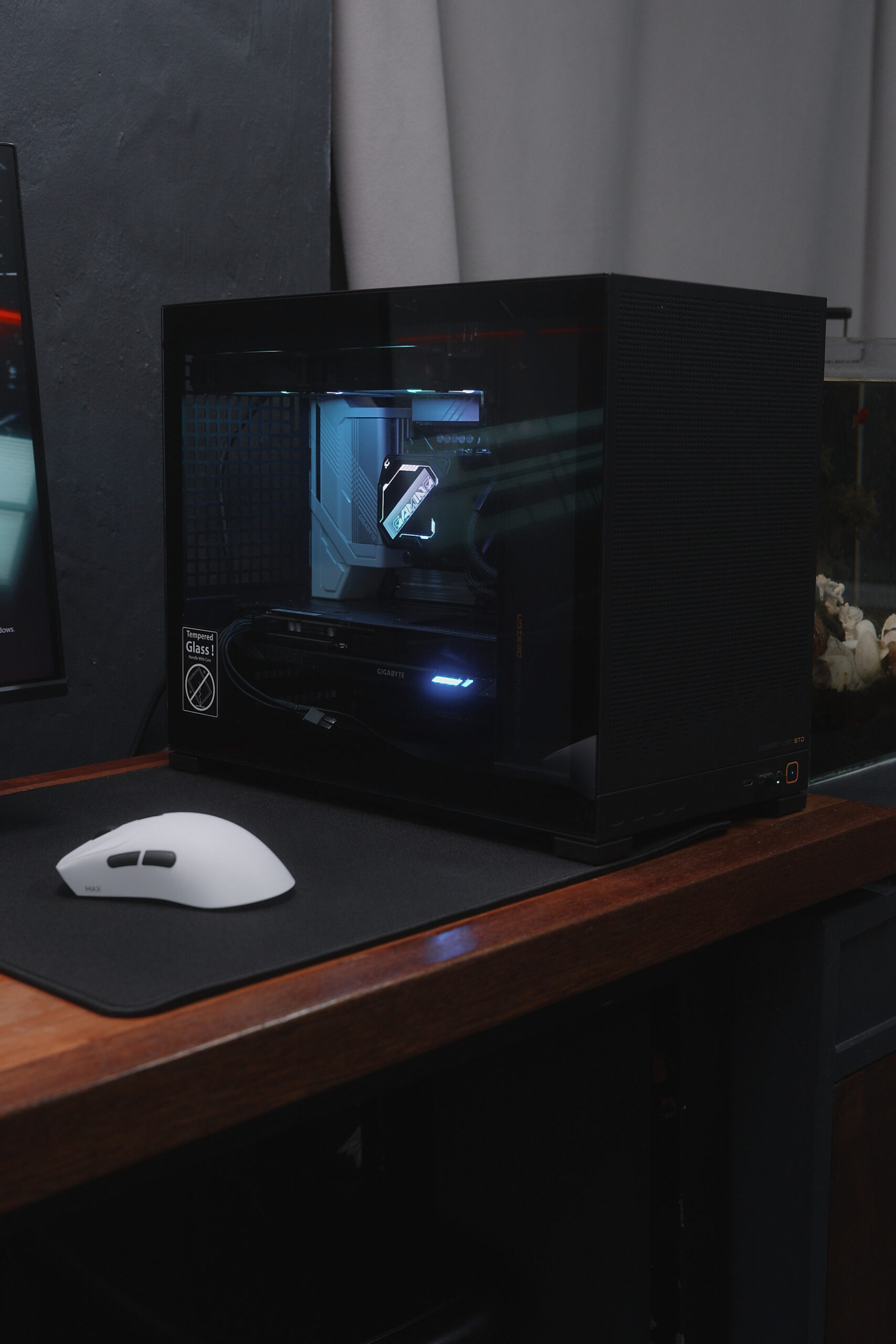
I’ve been playing esports titles on this build for over a week, plus some Cyberpunk 2077, and I must say—the performance is solid. No hiccups, no frame drops whatsoever.
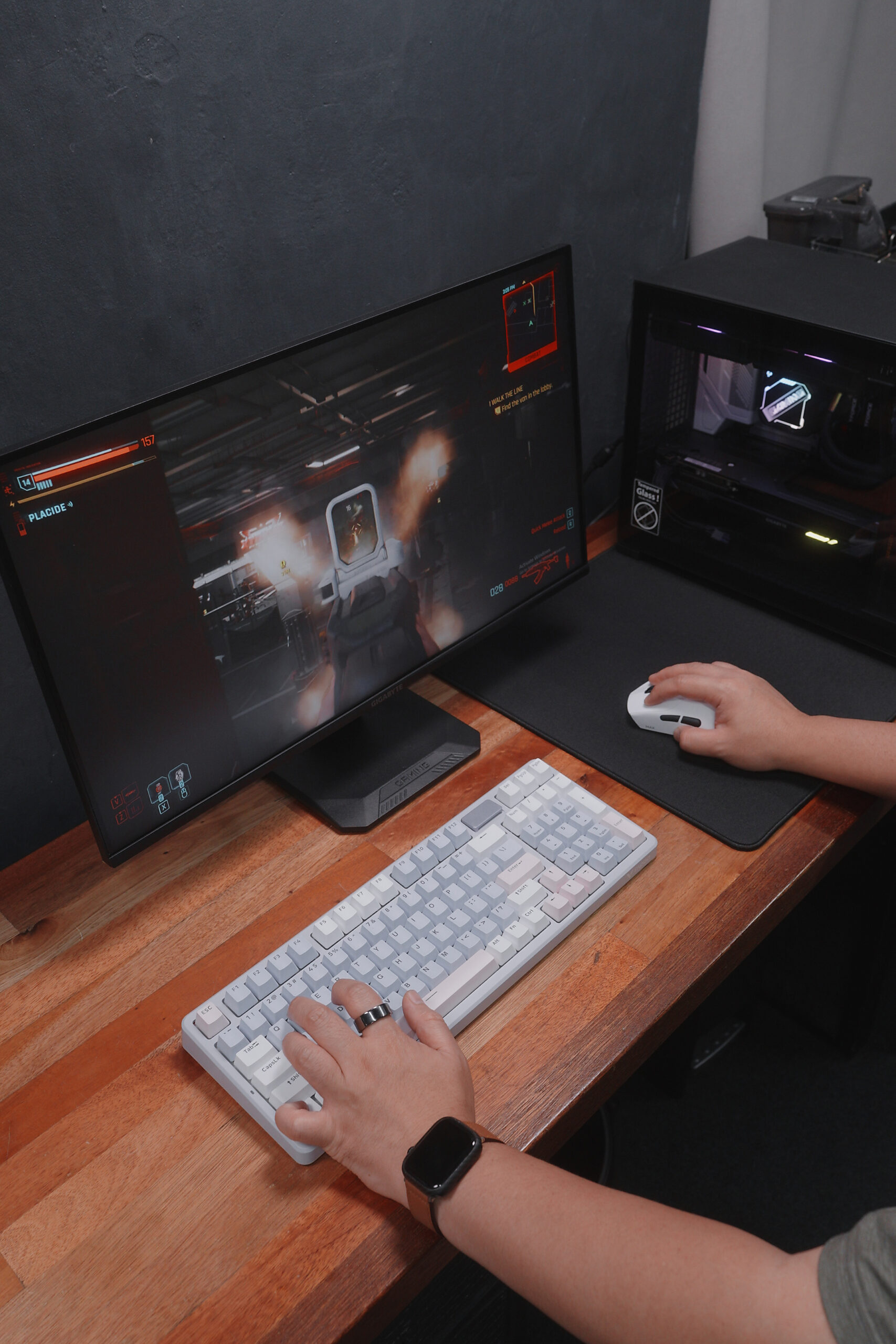
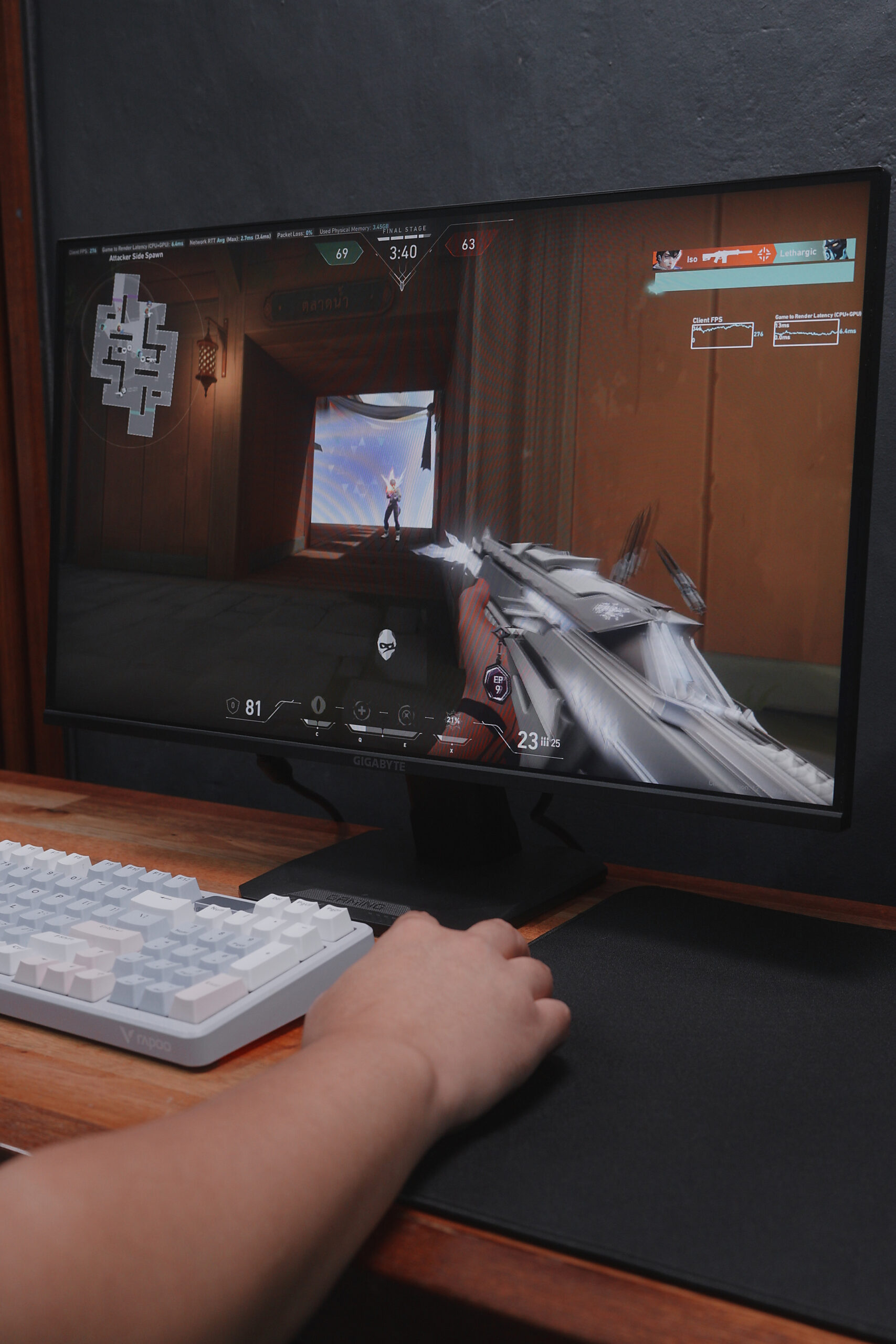
That’s it! Hopefully, this gave you a new idea to consider for your next PC build.
Full PC Build Specifications
Processor: Intel Core Ultra 5 250K+
Motherboard: Gigabyte B860M Gaming X WiFi6E
RAM: 16GB of 6000MHz Delta T-Force
Storage: Gigabyte 512GB NVMe SSD
Graphics Card: Gigabyte GeForce RTX 5060
CPU Cooler: Gigabyte Gaming 240 AIO
Power Supply: Gigabyte P550SS PSU
Case: Jonsbo D32 case.

The Broll who always got your back online!